Free & Unlimited
You can convert PDF documents to PPTX files at no cost, with no time constraints or registration required. Upload, convert, and download, enjoying ultimate freedom while creating or editing presentations anytime, anywhere, from any device you choose.
One-Step Conversion
Simply upload your PDF, then get a fully compatible PPTX in seconds. No extra installations, login prompts, or hidden steps. Present or update immediately, ensuring maximum convenience whenever you need to transform documents with speed.
High-Quality & Editable PPTX
Each PDF page, including scanned images, becomes a crisp, accurate PPTX file, thanks to our integrated OCR tech. It retains original fonts, layouts, and visuals, while converting text from images into fully editable text boxes.
Works on Any Device
Our web-based platform supports Windows, Mac, Linux, Android, and iOS. No software downloads needed - just a browser and internet connection. Convert or edit on desktops, laptops, or mobiles seamlessly, providing flexibility for study or travel anytime.
Beyond PDF to PPTX
Alongside converting PDF to PPTX, PDFgear offers a comprehensive toolkit for editing, merging, compressing, and organizing PDF pages. Manage multiple tasks online or offline, boost efficiency, and fully streamline workflows, all from a single, user-friendly platform.
Secured & Protected
Your privacy remains paramount, with SSL encryption safeguarding every file transfer. Once you leave, your documents are permanently erased from our servers. No personal data is stored, allowing you to focus on tasks without worry. Check our Privacy Policy for details.
PDFgear offers both free online and offline PDF converters.
| Features | PDFgear Software | PDFgear PDF to PPTX |
|---|---|---|
| Accessibility | Installation required | Web browser-based |
| File Size Limit | No limit | 100 MB |
| Performance | Fastest | Faster ¹ |
| Internet Requirement | Works without Internet | Internet required |
| Functionality | Access an all-in-one PDF solution for editing, converting, signing, splitting, merging, compressing, and more | Limited to converting PDF to PPT / PPTX |
| User Experience | Advanced and full-featured | Simple and easy to use |
| Data Processing | Files processed on local device | Files processed by cloud servers ² |
| Ideal For | Power users needing advanced features and offline access | Users looking for quick PDF-to-PPTX conversion online |
1. Faster: Requires uploading files to the server for processing; speed may vary depending on the size and complexity of the PDF file.
2. Files processed by cloud servers: Your files are uploaded to and processed on AWS US secure cloud servers. Files are deleted immediately after you download them, ensuring data privacy.
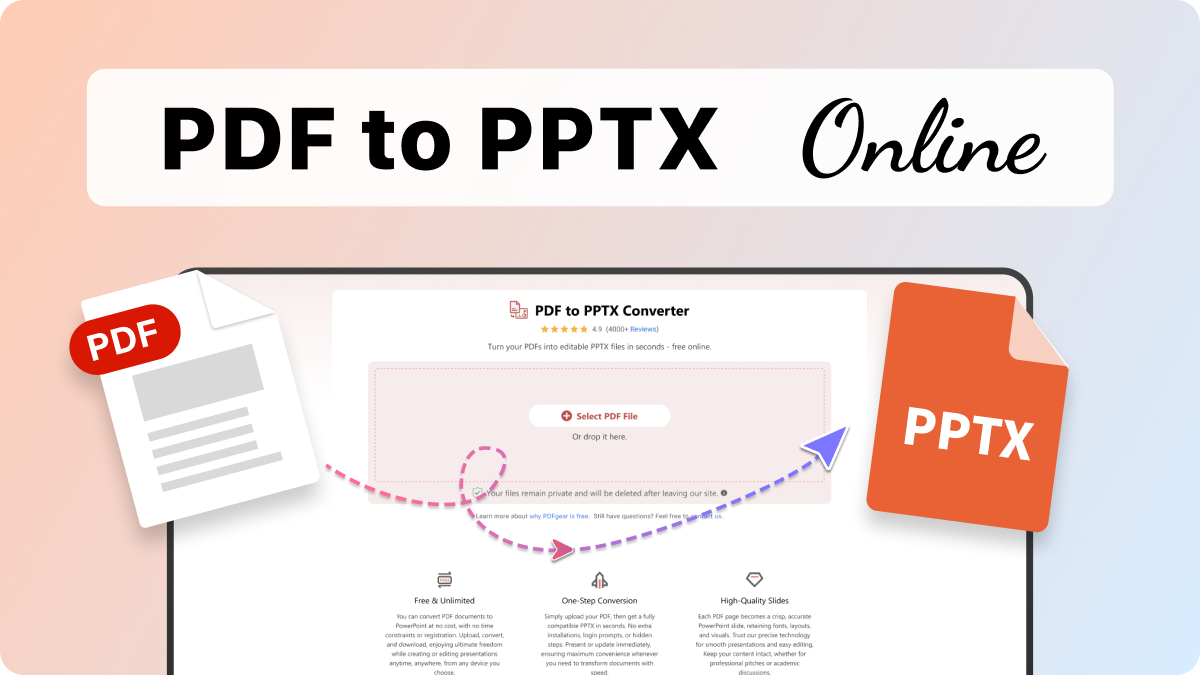
Drag and drop a PDF file into the PDFgear upload area or click the "Select PDF File" button to browse it from your device.
Select the conversion mode you need—with or without OCR, then click the "Convert" button to begin the conversion.
Download the PPTX to your device for easy viewing, editing, or sharing after completing the conversion.
PDFgear preserves images at the highest possible resolution during conversion, but PowerPoint may re-compress them when generating slides. For best results, start with a high-quality PDF and use the PDFgear software, which handles images more accurately than most online tools.
This usually happens when the scanned PDF has very poor image quality, blurry text, or handwriting that OCR can't interpret. If the OCR engine can’t detect the characters accurately, it places the text as an image layer instead of editable text.
Absolutely. Our converter is 100% free to use, with no hidden fees and registration requirements. You can convert as many files as you like whenever you need.
All file transfers occur over SSL-encrypted connections, and your uploaded documents are automatically deleted from our servers once you leave the website. We don’t store or share any personal information.
OCR focuses on recognizing text, not preserving the exact layout. PDFgear keeps most fonts, spacing, and slide structure intact, but perfect fidelity isn’t always possible — especially for PDFs with irregular layouts, multi-column designs, or decorative fonts. Simple, clean PDFs will convert with formatting that closely matches the original.
Our tool works on Windows, Mac, Linux, Android, and iOS. Whether you’re on a desktop, laptop, or smartphone, you can smoothly convert PDFs to PPTX right from your browser.
Simply launch Safari or any other browser on your Mac, visit this PDFgear online converter, and then upload your PDF. After a brief processing time, download the PPTX and open it in Microsoft PowerPoint or another compatible program for easy editing and presentation.
How to Convert PDF to PowerPoint for Free
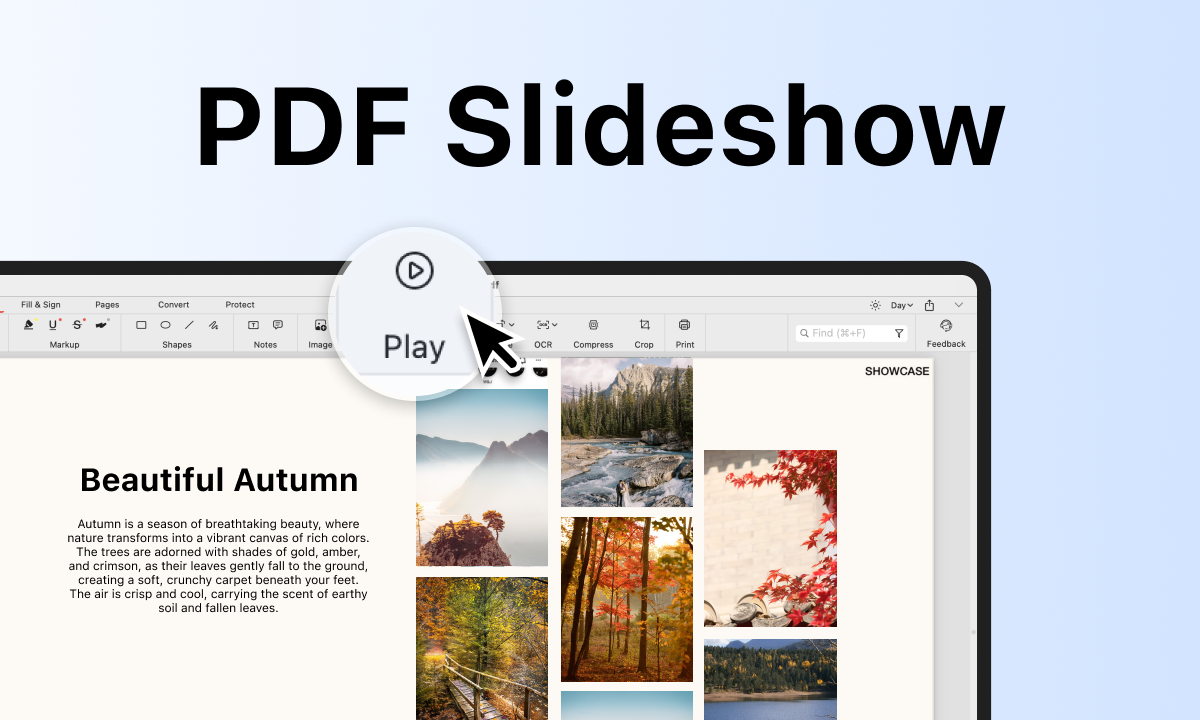
The methods of how to convert PDF to PPT are offered in this post with detailed steps and screenshots without limits.
Try PDFgear software and app for free.