PDF to PPT Converter

4.9 (9,000+ Reviews)

Free convert PDF to PowerPoint online with OCR—no email sign-up, no quality loss

files files Select PDF File

Or drop it here.

Select convert mode

  • StandardFast and common for most documents.
  • AdvancedEnable OCR to recognize text from scans.
Convert

Loading... 0%

Manifest der Kommunistischen Partei.pdf

1.19 MB

Processing...

Your file is ready

Manifest der Kommunistischen Partei.jpg

Download File
Delete File Your file will be deleted permanently.
Delete File Delete File
Start OverStart OverStart Over
Sharing is caring

Find PDFgear helpful? Share and help others discover it. Your support means the world to us!

Not satisfied with the quality?

For image-based PDFs, PDFgear's OCR mode provides more accurate editable text.

Convert with OCR
Your files remain private and will be deleted after leaving our site.
  • HTTPS protocol with SSL encrypts file transfers
  • Files processed by Amazon Cloud Servers in the US
  • Files deleted 20 minutes after leaving the site

Learn more about why PDFgear is free. Still have questions? Feel free to contact us.

Without Email & Software

Without Email & Software

You can enjoy unlimited online PDF to PPT conversions without signing up for an account with your email or phone. No need to download anything, just upload your PDF to start a quick conversion.

No Watermark & No Ads

No Watermark & No Ads

Unlike other similar PDF to PPT online tools, PDFgear is straightforward to use with no limit. It is clean and user-friendly, and it does not contain any annoying watermarks or ads.

OCR Without Losing Quality

OCR Without Losing Quality

PDFgear's built-in OCR feature recognizes text from scanned or image-based PDFs, making them fully selectable and editable in the exported PowerPoint slide. This ensures your exported PPT file is clear and fully usable for any purpose.

Beyond PDF to PPT

Beyond PDF to PPT

PDFgear goes beyond converting PDFs to PPTs. It supports transformations between PDFs and various document types and offers comprehensive features for annotating and editing your PDF files in multiple ways.

Convert Anywhere, Anytime

Convert Anywhere, Anytime

Our PDFgear online tool is compatible with all platforms, including Linux, Windows, Mac, and mobile browsers. It allows you to convert PDF to PPT on any device, anytime, for ultimate convenience and flexibility.

Your Data is Always Secure

Your Data is Always Secure

PDFgear ensures the security of your documents. Your data transfers are safeguarded with SSL encryption, and we automatically delete your files from our servers once you close the page. For more details on our dedication to privacy, please review our Privacy Policy.

Free Alternative: Convert PDF to PPT Offline

PDFgear offers both free online and offline PDF converters.

Features PDFgear Software PDFgear PDF to PPT
Accessibility Installation required Web browser-based
File Size Limit No limit 100 MB
Performance Fastest Faster ¹
Internet Requirement Works without Internet Internet required
Functionality Access an all-in-one PDF solution for editing, converting, signing, splitting, merging, compressing, and more Limited to converting PDF to PPT / PPTX
User Experience Advanced and full-featured Simple and easy to use
Data Processing Files processed on local device Files processed by cloud servers ²
Ideal For Power users needing advanced features and offline access Users looking for quick PDF-to-PPT conversion online

1. Faster: Requires uploading files to the server for processing; speed may vary depending on the size and complexity of the PDF file.

2. Files processed by cloud servers: Your files are uploaded to and processed on AWS US secure cloud servers. Files are deleted immediately after you download them, ensuring data privacy.

How to Convert PDF to PPT Free Online with OCR

1. Upload Your PDF File

Drag and drop a PDF file into the PDFgear upload area or click the "Select PDF File" button to browse it from your device.

2. Convert PDF to PPT

Select the conversion mode you need—with or without OCR, then click the "Convert" button to begin the conversion.

3. Download PPT File

Download the PPT to your device for easy viewing, editing, or sharing after completing the conversion.

play button
Convert PDF to PowerPoint Now

Your Questions Are Answered

Is it free to OCR PDF to PowerPoint?

Yes. PDFgear is completely free to use — there are no subscriptions, hidden limits, or watermarks. You can convert scanned PDFs to editable PowerPoint slides using its built-in OCR technology at no cost.

Can I extract only certain pages from a scanned PDF into PowerPoint?

Not with the online OCR tool — it converts the entire PDF into PowerPoint. However, the PDFgear software lets you select a specific page range or combine multiple PDFs before conversion, giving you more control over what slides are generated.

Does the OCR process retain the original formatting in the final PPTX file?

OCR focuses on recognizing text, not preserving the exact layout. PDFgear keeps most fonts, spacing, and slide structure intact, but perfect fidelity isn't always possible — especially for PDFs with irregular layouts, multi-column designs, or decorative fonts. Simple, clean PDFs will convert with formatting that closely matches the original.

Are there any restrictions or hidden limitations in PDFgear?

No hidden restrictions. PDFgear is entirely free with no ads, no watermarks, and no sign-up required. The only limitation is that the file size must be under 100 MB.

Can I trust PDFgear with my sensitive files?

Absolutely. PDFgear prioritizes data privacy by processing files securely and deleting them after conversion. No files are stored or shared.

What happens if my PDF has complex layouts or graphics?

PDFgear handles complex designs, including multi-column layouts, charts, and high-quality graphics, ensuring that the resulting PowerPoint matches the original file.

Do I need to pay or sign up for large or multiple conversions?

No. PDFgear offers unlimited conversions for free, regardless of the number of files. However, files over 100 MB are not supported for processing.

More PDF Conversion Tips

How to Convert PDF to PowerPoint for Free
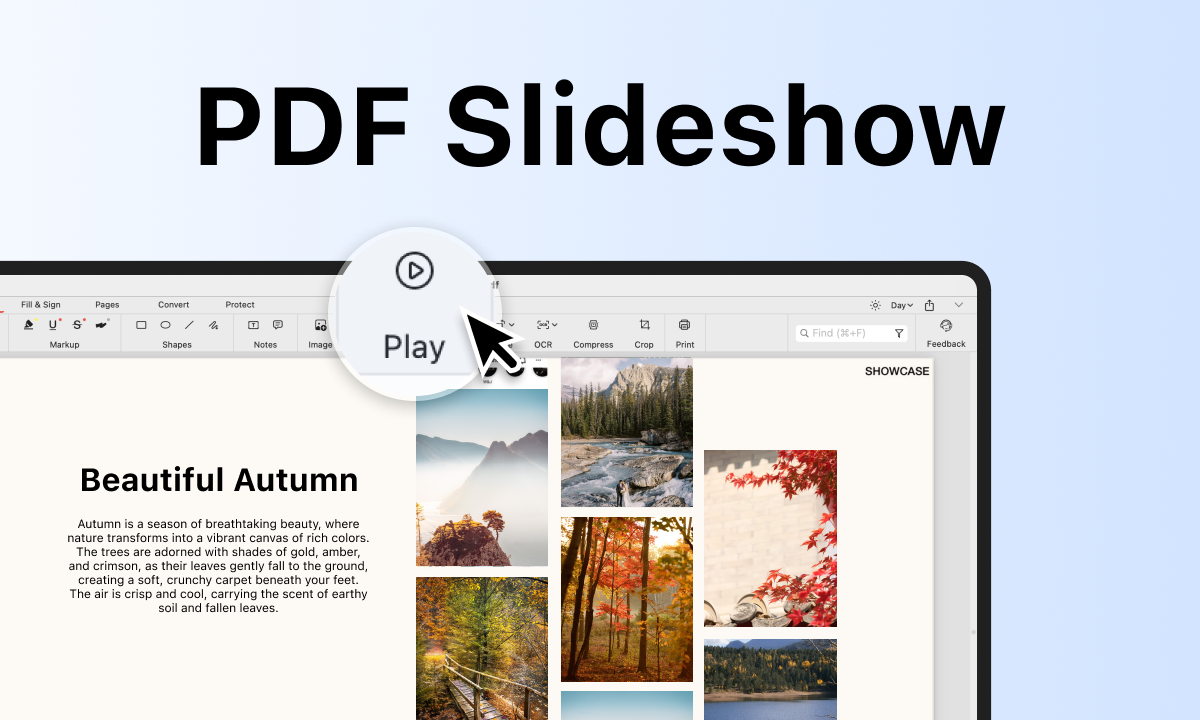
The methods of how to convert PDF to PPT are offered in this post with detailed steps and screenshots without limits.

How to Present a PDF like a PowerPoint Slideshow
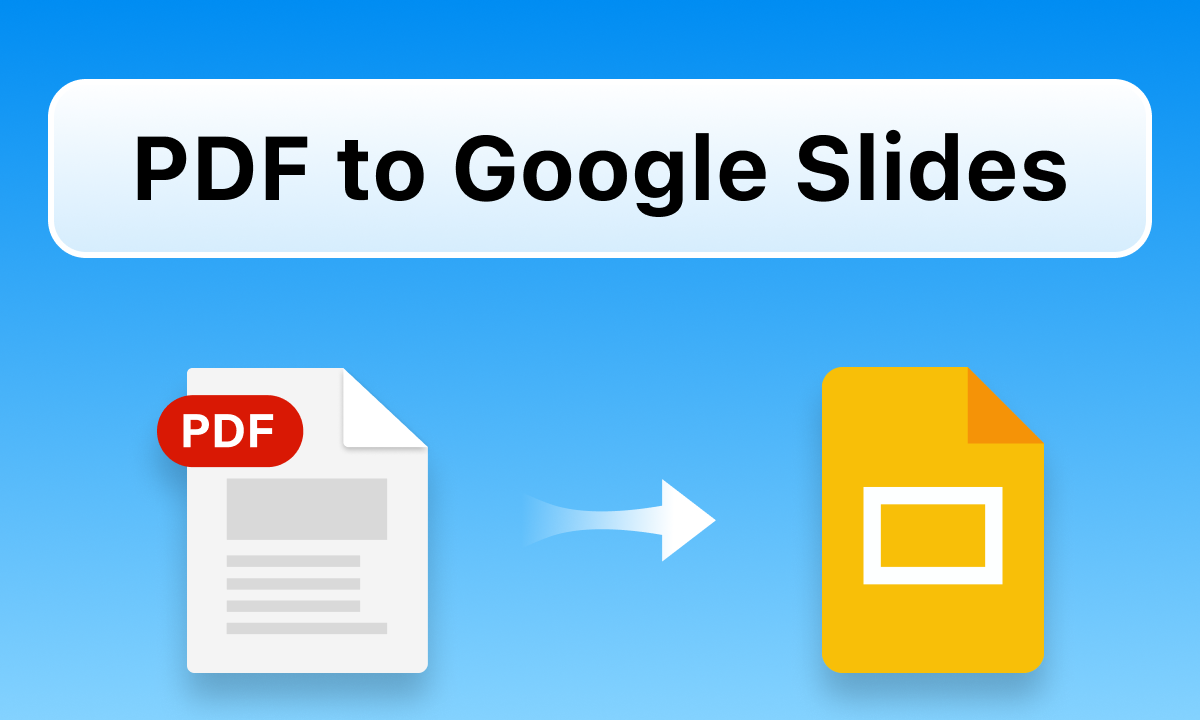
Learn how to insert PDFs into presentations by presenting files directly or converting them to PowerPoint. Simple steps and tips included.

How to Turn a PDF into Google Slides

This post reveals 2 free methods to turn a PDF to Google Slides. Step-by-step guidance and clear screenshots are provided.

Batch Convert PDF to PPT for Free

Try PDFgear software and app for free.

×