 JPG Image to PDF
 4.9 (9,000+ Reviews)
Convert JPG, BMP, SVG, and other images into a single PDF or multiple PDFs

 Select Image Files
Or drop them here.
Loading... 0%
Manifest der Kommunistischen Partei.pdf
1.19 MB
Your file is ready
Manifest der Kommunistischen Partei.psd
 Your file will be deleted permanently.
 Delete File

 Start Over
Sharing is caring
Find PDFgear helpful? Share and help others discover it. Your support means the world to us!


- No file data is uploaded or transferred over the internet
- Files stay locally within your browser
- All processing occurs entirely within your browser
Learn more about why PDFgear is free. Still have questions? Feel free to contact us.

Your Data is Secure
We prioritize your document security. All your files are locally processed and never leave your device for maximum privacy protection.

Free & No Limit
You can enjoy unlimited online conversions from image to PDF without downloading software or signing up with email. And there is no watermark inserted. With this free online tool, you can save a lot of time.

Without Quality Loss
Don’t worry about image quality loss during the conversion from image to PDF. All images and texts will be preserved in high quality, ensuring they appear clear and sharp in your exported PDF documents.

Simple to Use
The conversion process is quick and easy, taking only a few simple steps and minutes to complete. You can preview and rearrange your uploaded images to ensure they are in the correct order for merging.

All-Format Image to PDF Converter
Stop worrying about file types. We support all major image formats for PDF creation, including: JPG, JPEG, PNG, HEIC, WebP, SVG, BMP, etc. Convert any photo or screenshot to PDFwith ease.

Convert Anywhere, Anytime
Our PDFgear online tool supports converting all image formats to PD across Linux, Windows, Mac, and mobile browsers. Convert your images on any device, anytime.
Alternative Solution: Freeware to Convert Image to PDF
PDFgear offers both free online and offline image to PDF converter.
| Features | PDFgear Software | Image to PDF Online |
|---|---|---|
| Accessibility | Installation required | Web browser-based |
| File Size Limit | No limit | 50 MB |
| Performance | Fastest | Faster ¹ |
| Internet Requirement | Works without Internet | Internet required |
| Functionality | All-in-one PDF solution to to edit, convert, sign, split, merge, compress, etc. | No further operations supported after conversion |
| User Experience | Advanced and full-featured | Simple and easy to use |
| Data Processing | Files processed on local device | Files processed in browser locally |
| Ideal For | Power users needing advanced features and offline access | Users looking for fast, easy image to PDF conversion online |
1. Faster: Requires loading the webpage; speed may vary depending on the network connection and device performance.
How to Convert Image to PDF Online for Free
1. Select JPG File(s)
Drag and drop your JPG or click the "Select Image Files" button to upload it. You can upload multiple image files continuously.
2. Convert Image to PDF
After all images are loaded, you can rearrange their order. Then, click the "Convert" button to start the conversion.
3. Download the PDF File(s)
Once the conversion is complete, click the "Download File" button to save your PDF file(s) to your device for viewing or further editing.
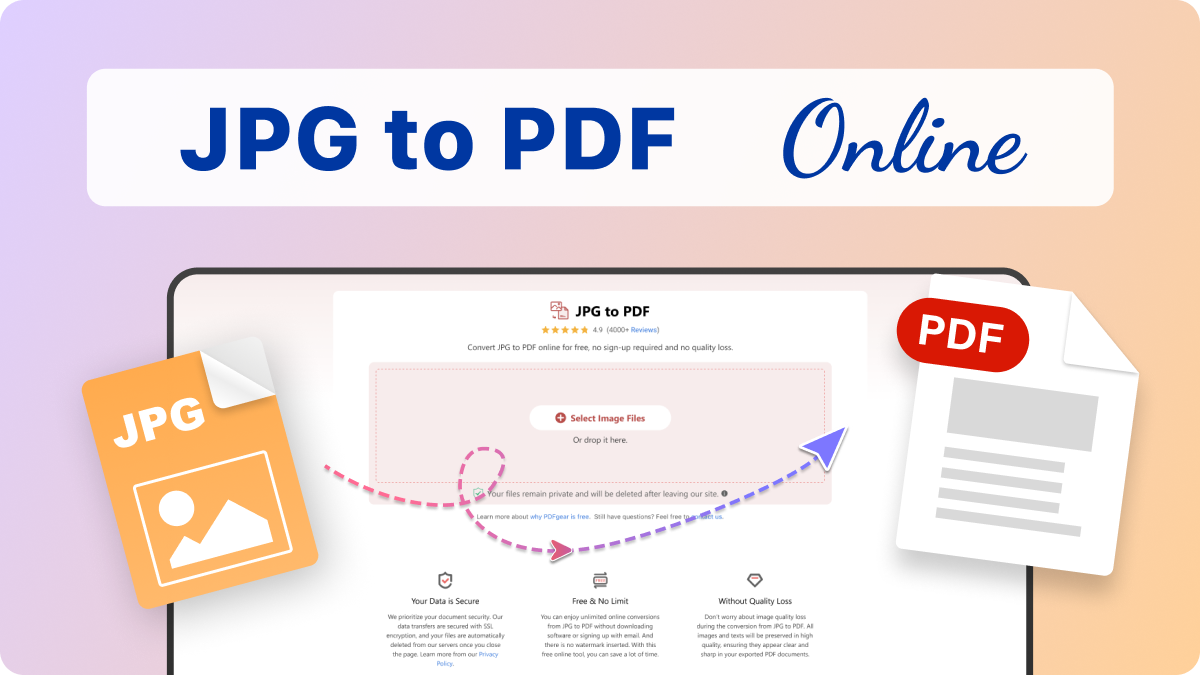

Your Questions Are Answered
Does this tool only convert JPG files?
No, not at all! PDFgear online image to PDF converter is an all-in-one image solution. It fully supports all major image formats including JPG, JPEG, PNG, HEIC, WebP, SVG, BMP, and more. You can convert any photo or screenshot to PDF here.
Can I convert PNG screenshot to PDF here?
Yes, absolutely. In addition to PNG, we support a wide range of screenshot formats, including JPG, JPEG, and any other common image files like PNG, HEIC, WebP, SVG, BMP, converting them into high-quality PDFs.
Will my image quality drop after converting to PDF?
No, there is zero quality loss. Our converter preserves the original quality and resolution of your photos and images, ensuring your resulting PDF file is always high-resolution and print-ready.
Does the Image to PDF Converter require an email to register?
No, our converter allows you to convert images to PDFs without needing to sign-up or provide your email address. It is completely free and no limit like watermark inserted.
Is PDFgear’s Image to PDF Converter secure?
Yes, it is. PDFgear converts your JPG images locally in your browser without uploading, ensuring maximum data privacy.
How can I convert images to PDF on my mobile device?
You can easily convert JPGs or other images to PDFs on both iPhones and Android devices with PDFgear online tool. This includes converting your recent snapshots from your mobile device. For more advanced editing options, you can also download our free app for iOS and Android.
More PDF Conversion Tips
 How to Convert Image to PDF on Mac Free
 How to Convert Image to PDF on Windows
 How to Turn JPG into PDF without Network
Convert JPG, PNG, JPEG, and More to PDF Offline
Try PDFgear software and app for free.
