PPTX to PDF Converter

4.9 (9,000+ Reviews)

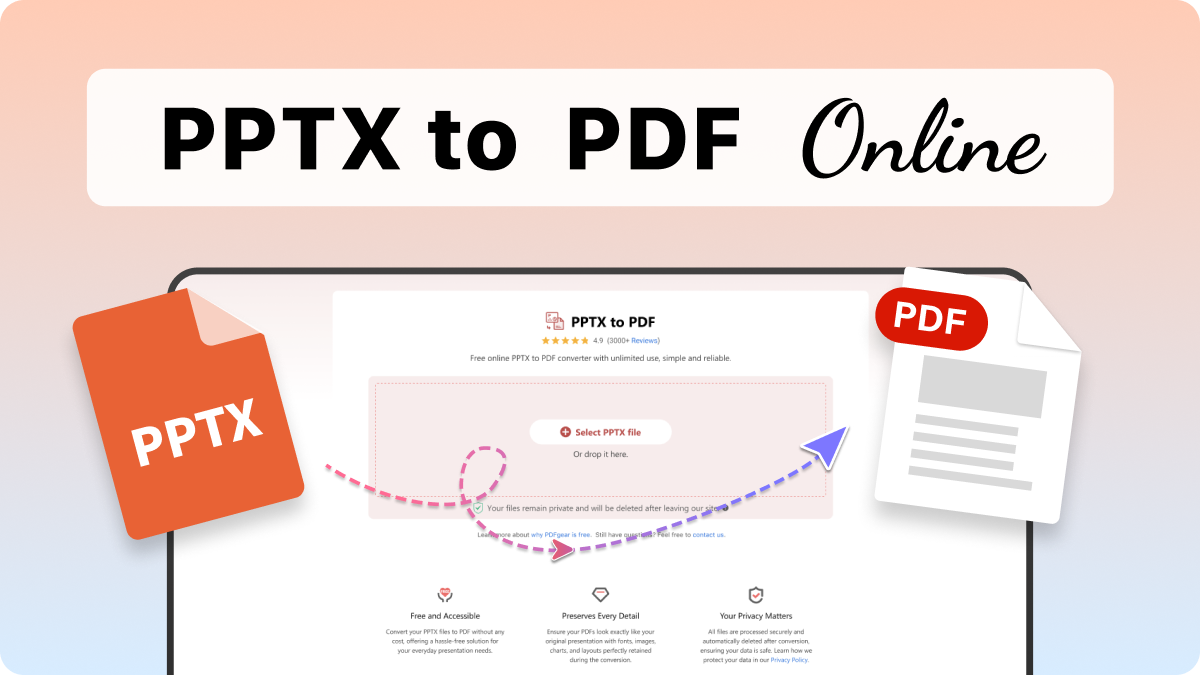
Free online PPTX to PDF converter with unlimited use - simple and reliable

files files Select PPTX File

Or drop it here.

Loading... 0%

Manifest der Kommunistischen Partei.pdf

1.19 MB

Processing...

Your file is ready

Manifest der Kommunistischen Partei.jpg

Download File
Delete File Your file will be deleted permanently.
Delete File Delete File
Start OverStart OverStart Over
Sharing is caring

Find PDFgear helpful? Share and help others discover it. Your support means the world to us!

Your files remain private and will be deleted after leaving our site.
  • HTTPS protocol with SSL encrypts file transfers
  • Files processed by Amazon Cloud Servers in the US
  • Files deleted 20 minutes after leaving the site

Learn more about why PDFgear is free. Still have questions? Feel free to contact us.

Free and Accessible

Free and Accessible

Convert your PPTX files to PDF without any cost, offering a hassle-free solution for your everyday presentation needs.

Preserves Every Detail

Preserves Every Detail

Ensure your PDFs look exactly like your original presentation with fonts, images, charts, and layouts perfectly retained during the conversion.

Your Privacy Matters

Your Privacy Matters

All files are processed securely and automatically deleted after conversion, ensuring your data is safe. Learn how we protect your data in our Privacy Policy.

Handles Any File

Handles Any File

Whether it’s a simple deck or a large 100 MB presentation with complex visuals and links, the tool processes everything with ease and precision.

No Installation Required

No Installation Required

Access the converter directly from your browser on any device—no downloads, no setups, just seamless functionality.

Fast and Simple

Fast and Simple

Complete conversions in seconds with an intuitive interface that makes transforming your files effortless and efficient.

Alternative Solution: Convert PPTX to PDF Offline

PDFgear offers both free online and offline PDF Converters.

Features PDFgear Software PPTX to PDF Online
Accessibility Installation required Web browser-based
File Size Limit No limit 100 MB
Performance Fastest Faster ¹
Internet Requirement Works without Internet Internet required
Functionality All-in-one PDF solution to to edit, convert, sign, split, merge, compress, etc. Supports quick and efficient PPTX-to-PDF conversion only
User Experience Advanced and full-featured Simple and easy to use
Data Processing Files processed on local device Files processed by cloud servers ²
Ideal For Power users needing advanced features and offline access Users needing quick and easy PPTX to PDF conversion online

1. Faster: Requires uploading files to the server for processing; speed may vary depending on the size and complexity of the PDF file.

2. Files processed by cloud servers: Your files are uploaded to and processed on AWS US secure cloud servers. Files are deleted immediately after you download them, ensuring data privacy.

How to Convert PPTX to PDF Online for Free

1. Select PPTX File

Drag and drop your PPTX file into the converter, or click the "Select PPTX File" button to choose it from your device.

2. Convert Your Document

Your PPTX file will be automatically converted into a high-quality PDF within a few seconds.

3. Download Your PDF

When the process is complete, click "Download File" to save your new PDF file for viewing, sharing, or further editing.

play button
Convert PPTX to PDF Now

Your Questions Are Answered

Will the formatting of my presentation remain intact in the PDF?

Yes, PDFgear ensures that the original formatting of your presentation, including fonts, images, charts, and layouts, is perfectly preserved during conversion.

Is my data secure during the conversion process?

Yes, PDFgear prioritizes your privacy. The online tool processes files securely via cloud servers and automatically deletes them after conversion. For maximum security, use the offline version, which processes files locally on your device.

What is the maximum file size I can upload?

The PDFgear online tool allows files up to 100MB for conversion. If you need to process larger files, the offline version has no such restrictions.

Do I need to install software to convert PPTX to PDF?

The online tool does not need installation—it works directly in your browser. However, PDFgear also offers a free offline version for users who prefer advanced features and local file processing.

More PDF to Image Conversion Tips

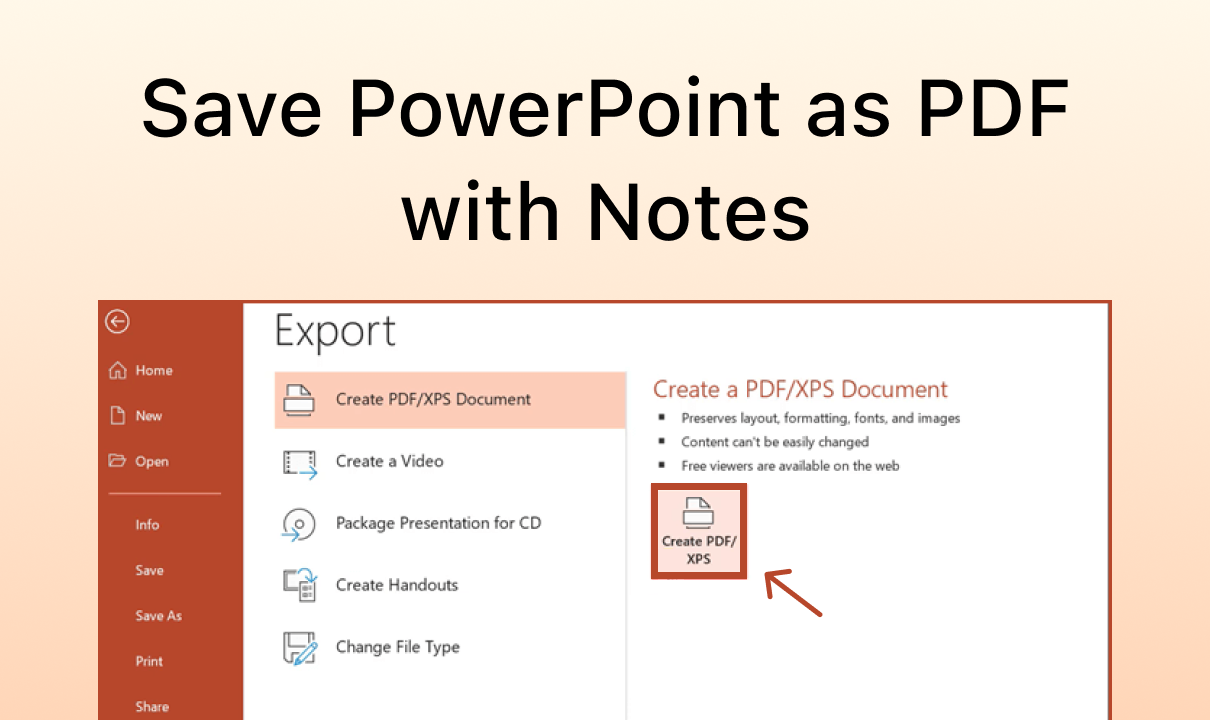
How to Save PowerPoint as PDF with Notes
This article explains how to save PowerPoint as PDF with notes on Windows and Mac in 3 simple methods.

How to Convert PowerPoint to PDF Without Changing Font
Converting PPT to PDF doesn’t have to mean font chaos. Follow the 5 easy methods below to convert PPT to PDF without changing fonts.

How to Convert PPT to PDF with Hyperlinks Intact

This article shows you how to convert PowerPoint presentations to PDF or save PPT as PDF while preserving the hyperlinks, as well as the original formatting.

Offline Batch Conversion Between PPTXs and PDFs

Try PDFgear software and app for free.

×