Guaranteed security
The safety of your document is Paramount in PDFgear. We won’t save any of your files and it will be deleted once you close the window. More detailed information of the files privacy care, you can find from our Privacy Policy.
Precise and Fast conversion
With its new technique for high-precision extraction measurements, PDFgear provides no lag or delay when converting PDF files to Word document format.
OCR for Accurate Text
Use our Optical Character Recognition (OCR) to extract text from image-based or scanned PDFs. This technology accurately identifies text, enabling you to get editable text in Word documents from files where the content was previously unselectable and uncopyable as an image.
Convert files anytime everywhere
PDFgear online toolkits supports working on Linux, Windows, and Mac browsers. That means you can convert any of your PDF files to Word document format wiithout software on any device at any time.
Easy to use
A simplified and direct main interface design allows you to find the exact function you need while working with PDF files. All your needs can be quickly found out and worked out perfectly.
Many PDF tools
Along with turning PDF into Word, PDFgear gives you more online tools to change PDF into formats like Excel or PPT, and to edit or compress PDF. Everything works together to make your PDF work feel easier.
PDFgear offers both free online and offline PDF to Word Converter.
| Features | PDFgear Software | PDF to Word Online |
|---|---|---|
| Accessibility | Installation required | Web browser-based |
| File Size Limit | No limit | 100 MB |
| Performance | Fastest | Faster ¹ |
| Internet Requirement | Works without Internet | Internet required |
| Functionality | Batch convert multiple PDFs to Word at once, with support for choosing from nearly 30 languages to improve conversion accuracy | One file at a time. No further operations supported after conversion |
| User Experience | Advanced and full-featured | Simple and easy to use |
| Data Processing | Files processed on local device | Files processed by cloud servers ² |
| Ideal For | Power users needing advanced features and offline access | Users looking for fast, easy PDF-to-Word conversion online |
1. Faster: Requires uploading files to the server for processing; speed may vary depending on the size and complexity of the PDF file.
2. Files processed by cloud servers: Your files are uploaded to and processed on AWS US secure cloud servers. Files are deleted immediately after you download them, ensuring data privacy.
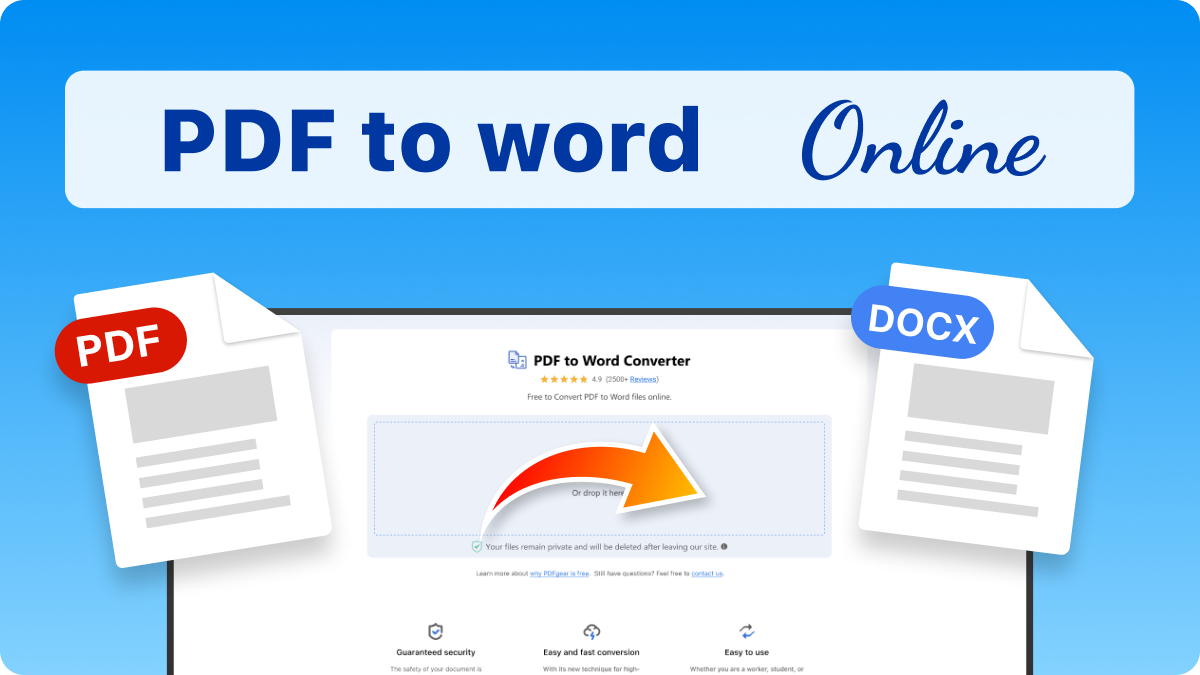
Click the "Select PDF File" button or drop your PDF into the online PDF to Word converter.
Choose the conversion mode you need, then click "Convert" to start.
When the conversion is done, click the "Download File" button to save the DOCX file to your device.
PDFgear offers free PDF to Word conversion both online and offline. Our online converter is completely free and allows you to convert single PDF files up to 100 MB. For batch conversions and larger files, our PDFgear offline app is the ideal solution. It allows unlimited conversions without requiring an email, account creation, in-app purchases, or sign-ups.
PDFgear provides two convenient ways to edit PDFs in a Word-like environment. Our desktop app lets you directly edit PDF content, as if you were working in Word. Alternatively, you can convert your PDF to an editable Word document using either our online or offline converter. This allows for full text editing and modification within Microsoft Word.
Yes. PDFgear PDF to Word Converter is designed for high accuracy. The tool works to preserve key formatting elements like bold, italics, and underline styles, as well as the overall layout. For PDFs created from scans, be sure to select the Advanced Mode to enable OCR (Optical Character Recognition). This is essential for turning image-based text into editable, formatted Word content.
Yes, that's precisely what our OCR feature is designed for. If you have a PDF that looks like an image or was created from a scanner, our tool will use OCR to recognize the text within it and convert it into a Microsoft Word document that you can edit and copy from.
PDFgear’s online OCR technology is highly accurate and supports around 20 languages. OCR success largely depends on your PDF's quality; clear, straightened scans yield better recognition. We recommend reviewing the converted Word file against your original PDF always to ensure everything is correct.
How to Convert PDF to Word for Free
This post will walk you through how to use PDFgear to convert PDF to Word on Windows, Mac, iOS, and Android, both online and offline.
Try PDFgear software and app for free.