The 7 Best Open-source PDF Editors for Windows, Mac, and Linux

Summary :
On this page, you’ll find the 7 best open-source PDF editors for you to edit PDF documents for free on Windows, Mac, and Linux with with no cost, and full transparency, customizability, and security.
Table of Contents
Open Source PDF Editors
Regarding making edits to a PDF, open-source PDF editors offer many benefits such as the lowest cost, high customizability, and full transparency.
This page gathers a list of actually open-source PDF editing software instead of free proprietary products. Check out our in-depth reviews to find the best pick for you.
Comparison of the Best Open Source PDF Editors
| PDF Editors | Compatibility | Features |
| LibreOffice | Windows, Linux, and macOS | Edit existing words in a PDF; Manage PDF pages; Add a digital signature |
| Inkscape | Windows, Linux, and macOS | Annotate a PDF; Change words in a PDF; Remove PDF texts, images, links, etc. |
| PDFsam Basic | Windows, Mac, and Linux | Merge and split PDF files; Extract pages from PDF files; Rotate PDF pages |
| OpenOffice | Windows, macOS, and Linux | Annotate a PDF; Insert the image into a PDF; Spell-check PDF documents |
| PDFedit | Windows, Mac, and Linux | Convert file formats; Edit PDF with annotating tools; Password protect PDF documents |
| Scribus | Windows, Mac, and Linux | Read and edit PDF files; Annotate PDFs |
| Preview | Mac only | Annotate PDF files; Fill out PDF forms; Password protect PDFs |
Best Alternative to Open-Source PDF Editors
Open-source PDF editors may sometimes lag behind proprietary software in terms of features, user interface design, or stability.
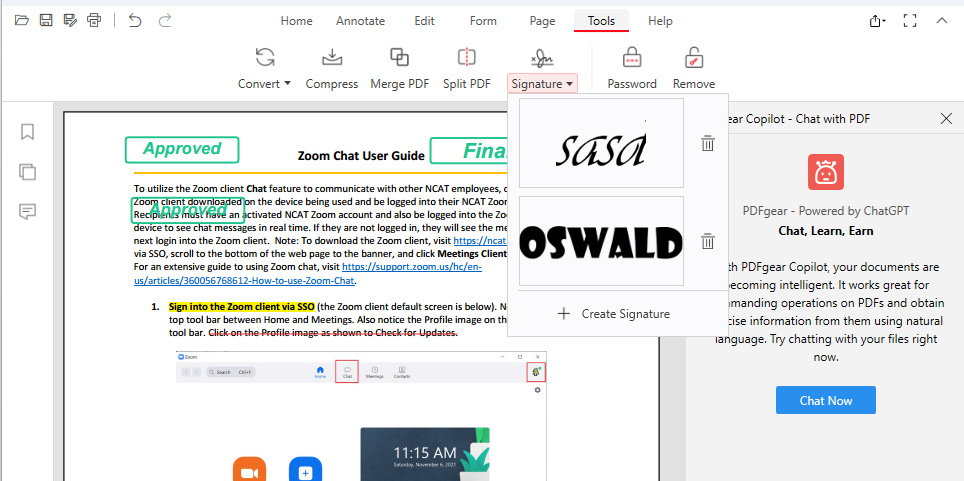
If you’re only looking for a free and full-featured PDF editor, look no further than PDFgear, a completely free and trusted PDF management toolkit that offers direct PDF text editing, converting, PDF annotations, compressing, and other 30+ features.
PDFgear has no limits to use. It is free of watermarks, ads, registration, and other annoying restrictions.
Free PDF Editor for Various Platforms PDFgear
LibreOffice
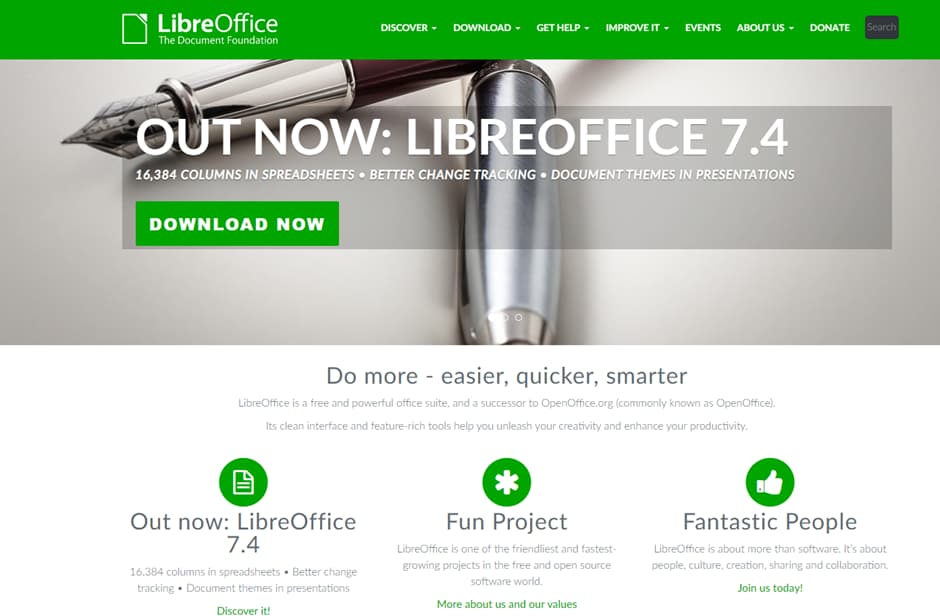
LibreOffice is a trustworthy open-source PDF editor created as an alternative to Microsoft Office. It is compatible with multiple platforms, like Windows, Mac, Linux, and even Ubuntu. As for its functions, it allows you to make several simple edits to a PDF document, such as annotating, adding a signature, managing pages, etc.
Apart from that, LibreOffice also provides a form feature that allows you to add fillable text boxes to PDFs to easily make a fillable PDF. It is practical and effective. However, it is not a good option for editing large PDF documents.
LibreOffice Open Source PDF Editor
Software Features
- Edit existing words in a PDF
- Manage PDF pages
- Add a digital signature
Price: Free
Pros
- Support various platform
- Safe and reliable to use
- OCR a PDF is feasible
Cons
- Not for large PDF documents
- Limited PDF editing features
- An outdated user interface
Inkscape
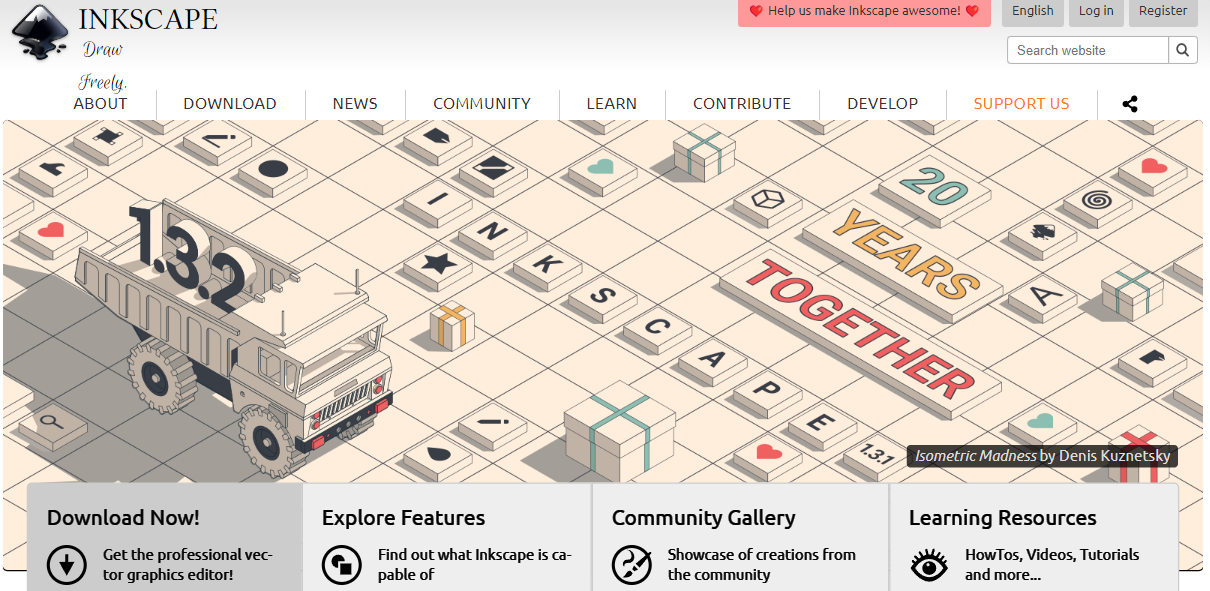
Inkscape is actually an open-source vector graphics editor. It is commonly used to modify image files but can also cope with PDF documents. With it, you can make any changes to the PDF document as you like, such as changing the existing texts, images, links, etc. But it may not be as powerful as those professional PDF editing tools.
Inkscape Open Source PDF Editor
Software Features
- Annotate a PDF
- Change words in a PDF
- Remove PDF texts, images, links, etc.
Price: Free
Pros
- Free to use
- Modify PDF documents freely
- Lightweight program
Cons
- Complicated operations for new users
- Limited PDF editing features
PDFsam Basic
PDFsam Basic is dedicated to merging, splitting, and rotating PDF files. It is a free-to-use PDF editing tool for Windows, Mac, and Linux. It is efficient in dealing with PDF pages. But the basic version is not for PDF editing. You must purchase its enhanced version if you need advanced PDF editing tools.
The program supports various languages, including English, French, Chinese, Spanish, and more. Users worldwide can use it without the language barrier.
PDFsam Open Source PDF Editor
Software Features
- Merge and split PDF files
- Extract pages from PDF files
- Rotate PDF pages
Price: Free version available
Pros
- Free to use
- Supports various languages
- Comprehensive PDF editing tools
- Available on many platforms
Cons
- Complicated dashboard for beginners
- Not free to edit PDFs
Apache OpenOffice Draw
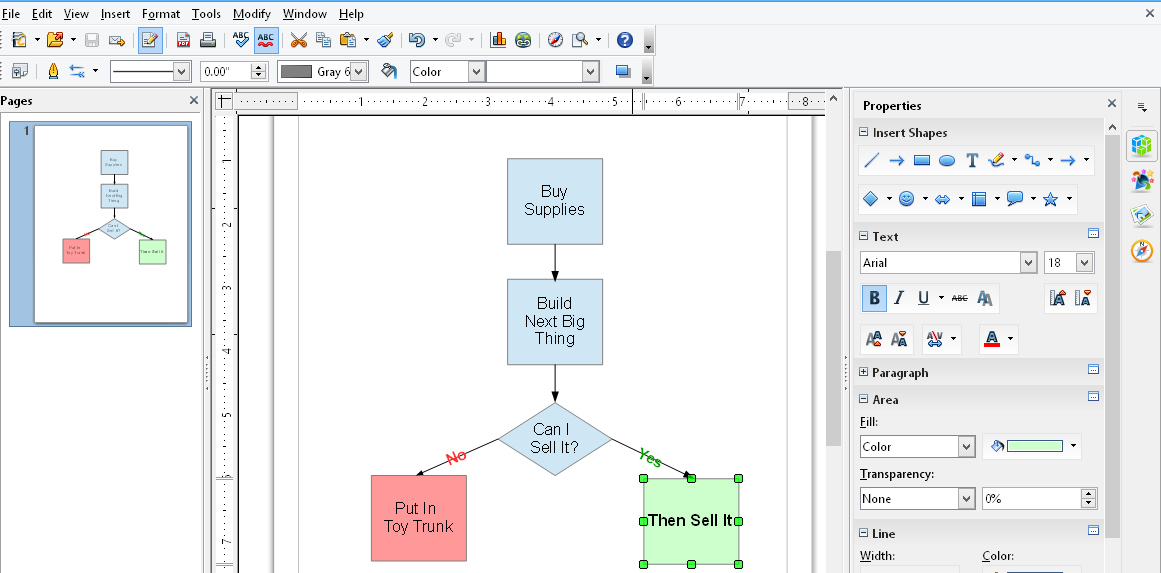
Apache OpenOffice Draw is another recommended open-source graphic editor. It can successfully open a PDF document and make several edits to it, such as annotating with text, brush, line, etc., inserting images, splitting PDF pages, spellchecking the PDF file, and more.
It is entirely free to use and available on various systems, like Windows, Mac, and Linux.
Apache OpenOffice Draw Open-source PDF Editor
Software Features
- Annotate a PDF
- Insert the image into a PDF
- Spell-check PDF documents
Price: Free
Pros
- Free to use
- Compatible with multiple systems
- Able to spell-check PDF documents
Cons
- Lack of PDF editing features
- Complex dashboard for new users
- Outdated user interface
PDFedit
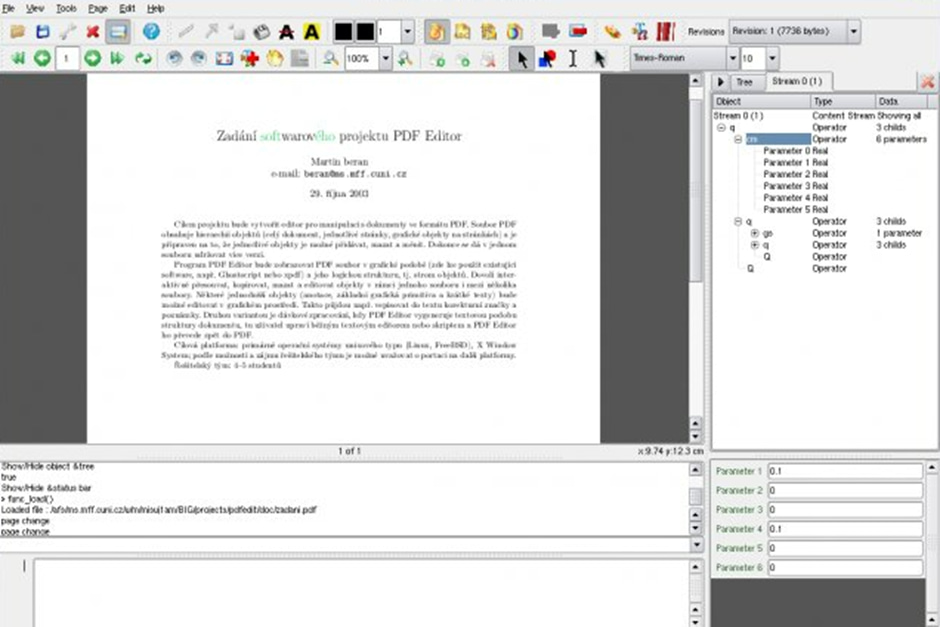
PDFedit is an efficient PDF viewer and editor for several platforms, there are numerous PDF editing options on its dashboard. Generally, it allows you to edit PDFs with text, lines, and brushes, convert PDF format, protect PDFs with passwords, etc.
It is comprehensive but also may confuse new users with not-very-clear navigation. Its program is lightweight and available on various platforms.
PDFedit Open-source PDF Editor
Software Features
- Convert file formats
- Edit PDF with annotating tools
- Password protect PDF documents
Price: Free
Pros
- Various PDF editing tools are accessible
- Cross-platform open-source PDF editor
- Lightweight program
Cons
- Complicated operations for beginners
- Outdated user interface
- Some features fail to work during the test
Scribus
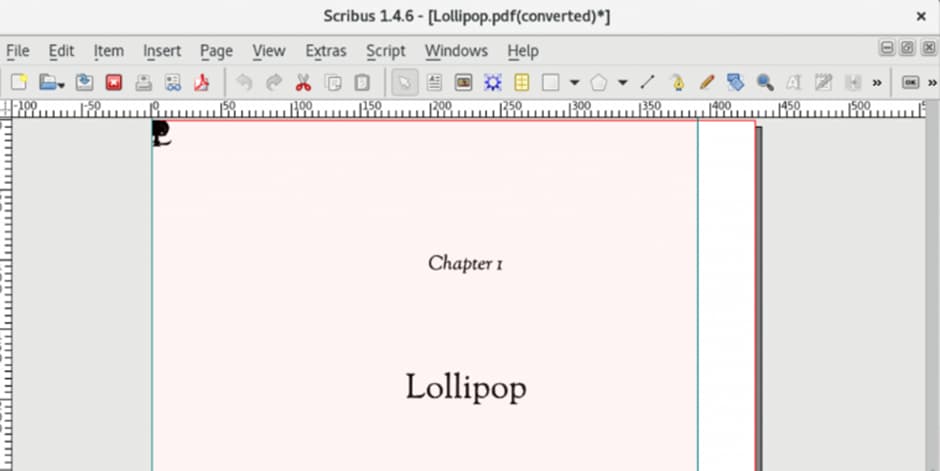
Scribus is also a free and open-source PDF editor that deserves a recommendation. You can use it to open and edit PDF documents, add news texts, lines, rectangular boxes, etc. This program has better compatibility as well. Users on Windows, Mac, and Linux can install it directly.
However, its user interface and some operations are somewhat outdated. It is a good PDF editing and reading option if this doesn’t matter to you.
Scribus Open Source PDF Editor
Software Features
- Read and edit PDF files
- Annotate PDFs
Price: Free
Pros
- Free and easy to use
- Supports various platforms
- Multiple PDF annotating tools
Cons
- Outdated navigation interface
- Lack of other PDF processing features
Preview
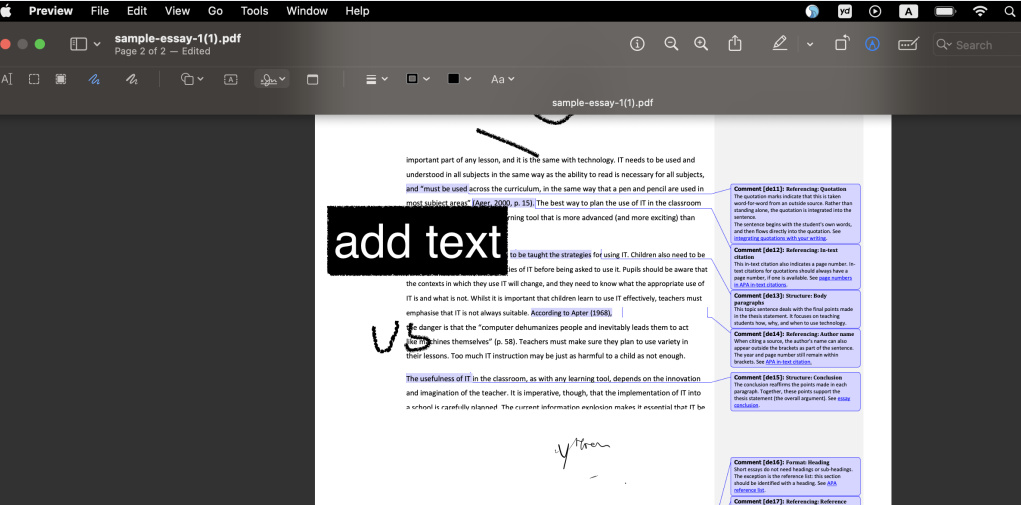
Well, technically, the Preview app on Mac is a proprietary project by Apple. Preview is an inbuilt PDF reader and editor for the Mac system only. You can use it to open and edit a PDF file for free. Therefore, it can also be seen as an open-source PDF editor.
To be brief, it can help you annotate PDF files, password-protect PDFs, add a signature to PDF, fill PDF forms, etc. It is powerful enough and can prevent you from installing issues.
Preview Open Source PDF Editor
Software Features
- Annotate PDF files
- Fill out PDF forms
- Password protect PDFs
Price: Entirely free for Mac users
Pros
- Various PDF editing tools
- Able to convert PDF to image
- No installing troubles
Cons
- Supports Mac only
- Lack of advanced PDF editing tools, like OCR
FAQs
What is open-source PDF editing software?
Open-source PDF editors, unlike proprietary software, are free tools allowing users unrestricted modification and distribution rights. Developed by volunteers, their openly accessible source code permits viewing, modifying, and customizing to meet individual requirements.
Are open-source PDF editors free?
Most open-source software is free to use. However, some projects may ask for donations or offer paid support services. It’s important to note that “open source” refers to the licensing and availability of the source code, not the price of the software.
Can open-source PDF editors edit all PDF files?
While open-source PDF editors can edit many PDF files, they might struggle with more complex documents, such as those that are heavily formatted, contain dynamic content, or are secured with encryption that the software cannot bypass.
Is it legal to edit PDFs with open-source PDF editors?
Yes, it is legal to edit PDFs with open-source editors, provided you have the right to modify the document. However, editing copyrighted material without permission, or bypassing security features without authorization, may be illegal.
How can I ensure the security of my documents when using an open-source PDF editor?
To ensure security, always download open-source software from reputable sources provided in this article.
Why prefer open-source PDF editing software over a proprietary one?
There are multiple reasons why one may choose open-source PDF editing software over a licensed one. Firstly, open-source PDF editors are free to use and could suit those who do not wish to spend money on software. Secondly, open-source PDF editors have a high customization level, maximizing user compatibility and user-friendliness. Thirdly, many open-source PDF editors provide a vast range of features, making them a robust and multipurpose tool for individuals working with PDF documents.
Are there any associated hazards with using open-source PDF editing software?
While using open-source PDF editing software has several benefits, there are also potential risks. One concern is that open-source software may be less secure than proprietary software because its source code is accessible to the public and may be vulnerable to security breaches. Furthermore, there may be limited support available for open-source software compared to proprietary software, which could make resolving issues more challenging. However, many open-source PDF editors are regularly maintained by a community of developers, and some offer professional support options, mitigating these risks to an extent.
Bottom Line
This post lists the best open-source PDF editors in the field right now. You can compare the above-recommended products, including price, main features, pros and cons, and compatibility, and then select one to process PDF files for a long time.
In contrast, open-source PDF editors may more or less lack PDF editing features. If you need a more comprehensive one, the best alternative, PDFgear, is a better choice.
