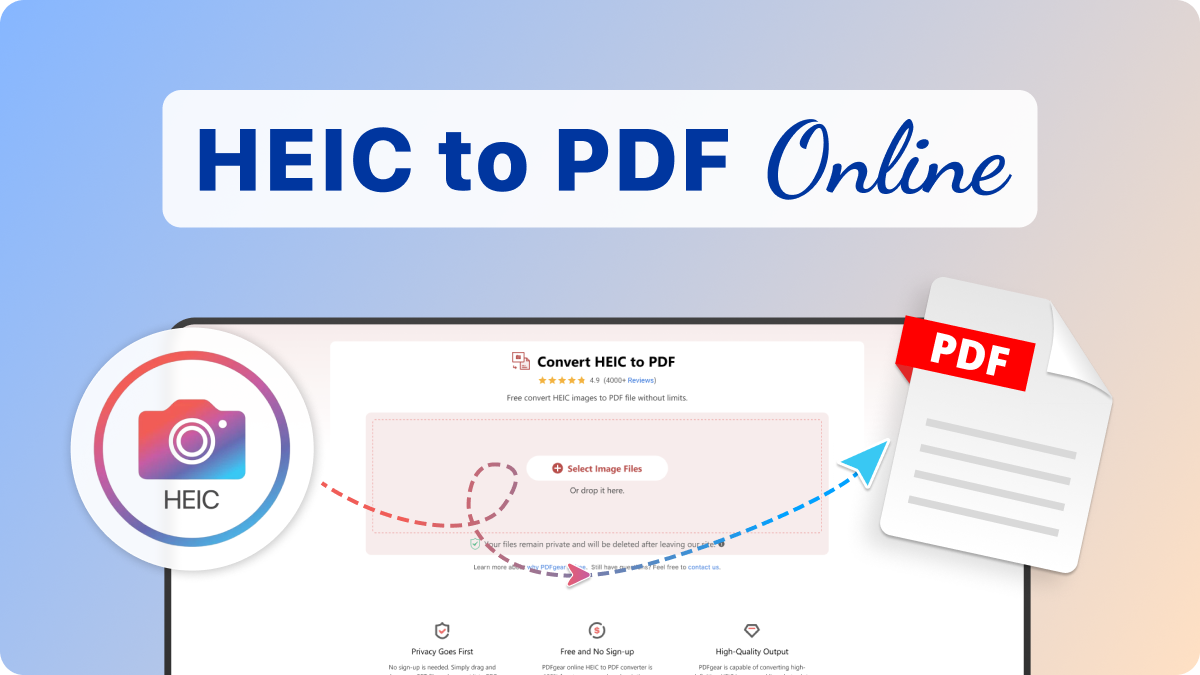
 Convert HEIC to PDF
 4.9 (9,000+
 Select Image Files
Or drop them here.
Loading... 0%
Manifest der Kommunistischen Partei.pdf
1.19 MB
Your file is ready
Manifest der Kommunistischen Partei.psd
 Your file will be deleted permanently.
 Delete File

 Start Over
Sharing is caring
Find PDFgear helpful? Share and help others discover it. Your support means the world to us!


- No file data is uploaded or transferred over the internet
- Files stay locally within your browser
- All processing occurs entirely within your browser
Learn more about why PDFgear is free. Still have questions? Feel free to contact us.

Privacy Goes First
PDFgear respects users' privacy and won’t collect or dispose of any users’ data. Files are processed locally in your browser without uploading to ensure maximum privacy protection.

Free and No Sign-Up
PDFgear online HEIC to PDF converter is 100% free to use, no ads, subscriptions, premium versions, or any hidden features, etc.. Additionally, you can freely use PDFgear without getting asked for account registration or credit card.

High-Quality Output
PDFgear is capable of converting high-definition HEIC images and live photos into high-quality PDF documents. There won’t be quality loss during the HEIC to PDF conversion, PDFgear retains the original quality of your important images and photos.

Merge HEICs into a PDF
PDFgear enables you to convert and combine multiple HEICs into one PDF multi-pager. You can upload multiple HEIC images from your device at one go, and you’re allowed to rearrange uploaded HEIC images during the conversion.

Instant Conversions
Powered by the cutting-edge image converter model, PDFgear is the fastest HEIC to PDF converter that turns HEIC images into PDF in seconds. Additionally, all you need to do is select HEIC images, and PDFgear does the rest.

Cross Platform
PDFgear is a cloud-based and cross-platform HEIC to PDF converter that works on all mainstream devices including Windows, Mac, Linux, Android, iOS, etc., which means you can convert and combine HEIC to PDF on PC and mobile!
Alternative Solution: Freeware to Convert HEIC to PDF
PDFgear offers both free online and offline PDF converters.
| Features | PDFgear Software | HEIC to PDF Online |
|---|---|---|
| Accessibility | Installation required | Web browser-based |
| File Size Limit | No limit | No limit |
| Performance | Fastest | Faster ¹ |
| Internet Requirement | Works without Internet | Internet required |
| Functionality | All-in-one PDF solution to to edit, convert, sign, split, merge, compress, etc. | No further operations supported after conversion |
| User Experience | Advanced and full-featured | Simple and easy to use |
| Data Processing | Files processed on local device | Files processed in browser locally |
| Ideal For | Power users needing advanced features and offline access | Users looking for fast, easy HEIC to PDF conversion online |
1. Faster: Requires loading the webpage; speed may vary depending on the network connection and device performance.
How to Convert HEIC to PDF Online
1. Select Your HEIC Image Files
Hit the "Select Image Files" button to import one or more HEIC photos from your devices.
2. Convert Images to PDF
The selected HEIC images will be automatically combined and converted to PDF.
3. Download the PDF File(s)
Once the conversion is complete, click the "Download File" button to save your PDF file(s) to your device for viewing or further editing.

Your Questions Are Answered
What is a HEIC file?
Used on iOS 11 and macOS High Sierra and later versions since 2017, the HEIC format (or HEIF images, the abbreviation of High Efficiency Image File Format) is used to save iPhone camera-taken photos in higher quality and smaller size compared with the traditional JPEG format.
What is the best HEIC to PDF converter?
According to the list of the best HEIC to PDF converters, the best overall is PDFgear Desktop. Alternatively, you can also opt for the PDFgear online HEIC to PDF converter to convert and combine HEIC to PDF without software download.
How can I merge multiple HEIC images into a PDF?
To combine multiple HEIC images into a PDF document, all you need is an online HEIC to PDF converter like PDFgear. PDFgear allows you to merge HEIC images from your PC or mobile into a PDF multi-pager in a customizable manner.
How to convert HEIC to PDF with a small size?
Given the high definition of HEIC images, you always get large PDF outputs. However, PDFgear allows you to convert HEIC to PDF with the smallest size by also offering a powerful online PDF compressor tool.
How to convert HEIC to PDF on Windows?
If you have transferred your HEIC photos from your iPhone to Windows PC, PDFgear is helpful since it can work in the browser on any device. You can simply go to PDFgear HEIC to PDF converter, and drag and drop the HEIC images to convert them to PDF.
Can I reorder HEIC images during the conversion?
Yes, before the final conversion, PDFgear online HEIC to PDF converter allows you to adjust the order of uploaded HEIC images using drag and drop, you can also upload additional HEIC images if you leave anything out.
More Image to PDF Conversion Tips
 How to Convert HEIC to PDF on iPhone and iPad
 How to Convert HEIC to PDF for Free on Windows and Mac
 How to Convert a Screenshot to PDF on Computer and Mobile
Combine multiple HEIC images into a PDF for free
Try PDFgear software and app for free.
