Top 6 Empty and Blank PDF Creators [Free and Paid Options]

Summary :
Creating a blank or empty PDF file is useful in many situations, whether you need a placeholder PDF or a template to fill in later. This article covers 6 easy-to-use online and offline tools that allow you to quickly generate empty PDFs of any size.
Table of Contents
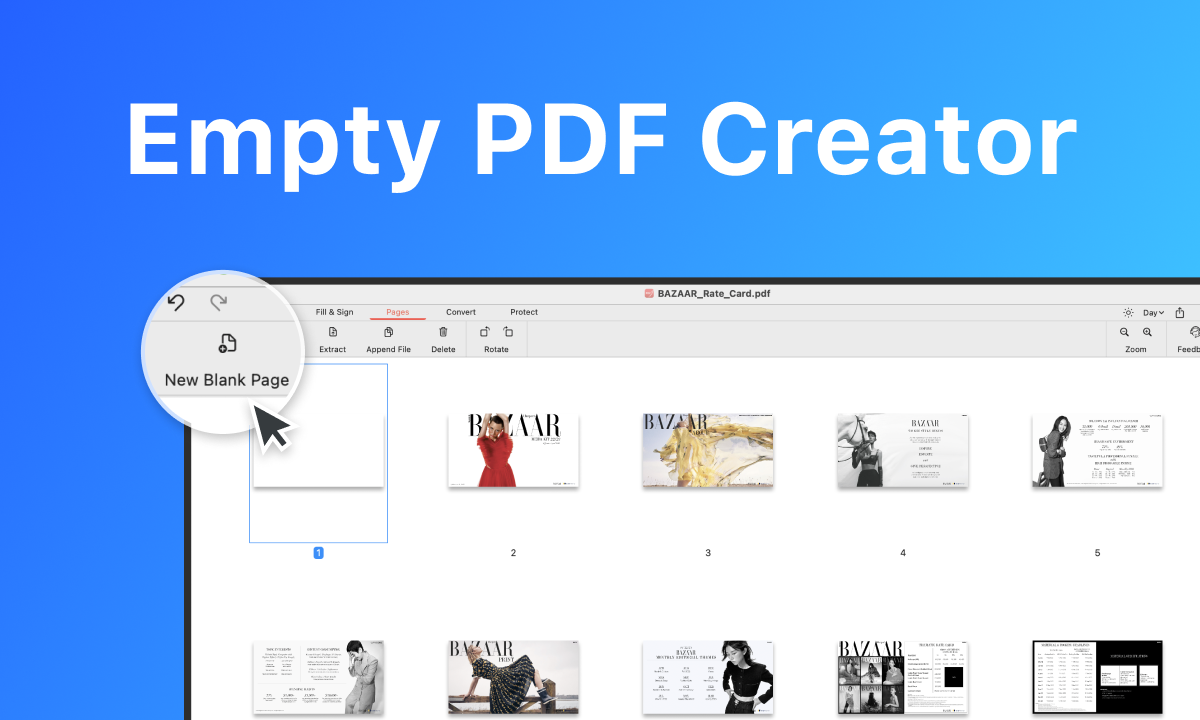
Empty PDF Creator
A blank PDF can serve as digital notepaper for meetings, lectures, or research, where notes can be taken directly onto a tablet or computer. Starting with a blank PDF allows users to design and layout forms exactly as needed, including fields for text, checkboxes, and other interactive elements.
There are numerous options available for creating empty or blank PDF files. And these empty PDF creators go beyond the simple task of generating blank pages.
PDFgear: Free, Versatile PDF Solution
PDFgear is a free PDF editor. While it doesn’t support users directly creating a blank PDF document, it does allow users to add blank pages to existing PDF files. This PDF editor offers a range of tools to populate your PDF. This includes adding and formatting text, drawing shapes and lines for emphasis, and inserting images to the PDF document.
The best part is that PDFgear is completely free, whether it’s for its basic features or advanced functionalities. After creating a new PDF document, you can experience functionalities similar to Adobe Acrobat’s AI Assistant in PDFgear for free, allowing you to summarize, explain, and rewrite PDF documents.

PDFgear Blank PDF Creator
Adobe Acrobat: Industry-standard, Comprehensive Features
With Adobe Acrobat, you can create a PDF from any format, including from a single file, multiple files, scanner, web page, clipboard, and blank page.
Besides, it offer editing and annotation tools for adding text, images, links, and comment to the created PDF. However, its cost and the learning curve associated with its advanced features might deter users with simpler needs or limited budgets.
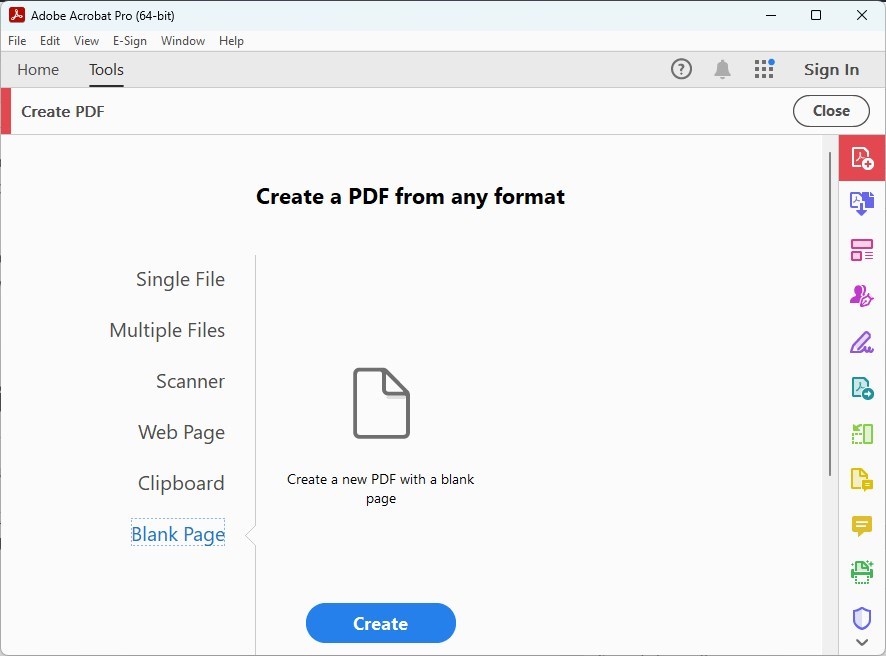
Adobe Acrobat Empty PDF Creator
Soda PDF: Intuitive, Cloud-based PDF Editor
For the users who want to start with a fresh document, Soda PDF allow you to create a blank PDF document with its user-friendly interface. As an online tool, you can access it right away without downloading any software. This means you can create PDFs from any device with internet access.
Soda PDF Online generally offers a range of features for editing and personalizing PDF documents once they are created. You have the ability to edit text, add annotations, or insert images within the PDF.
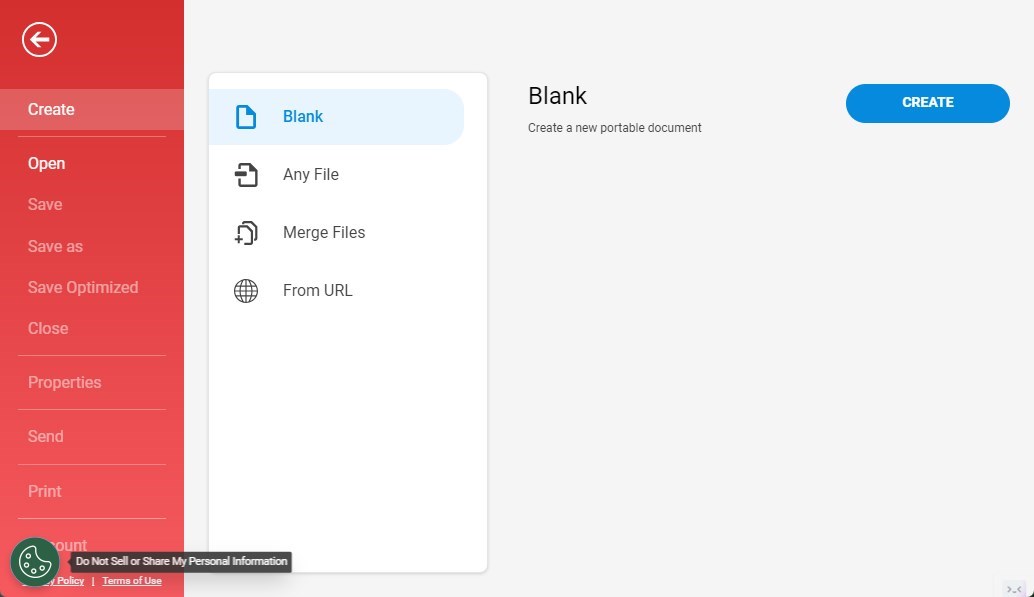
Soda PDF Blank PDF Creator
PDF2Go: Online, Straightforward PDF Management
PDF2Go allows you to create a brand-new PDF document without needing to start from an existing file. It’s especially handy when you want to compile a document that’s entirely custom. It’s also useful when you’re beginning a new project that doesn’t fit any existing templates or files you have.
You can pick from different preset page sizes like A0 to A10, B0 to B6, and C0 to C6, as well as standard paper sizes like Legal and Letter. Also, you can choose whether your document is Portrait or Landscape, depending on what you’re putting in it or how you want people to see it.
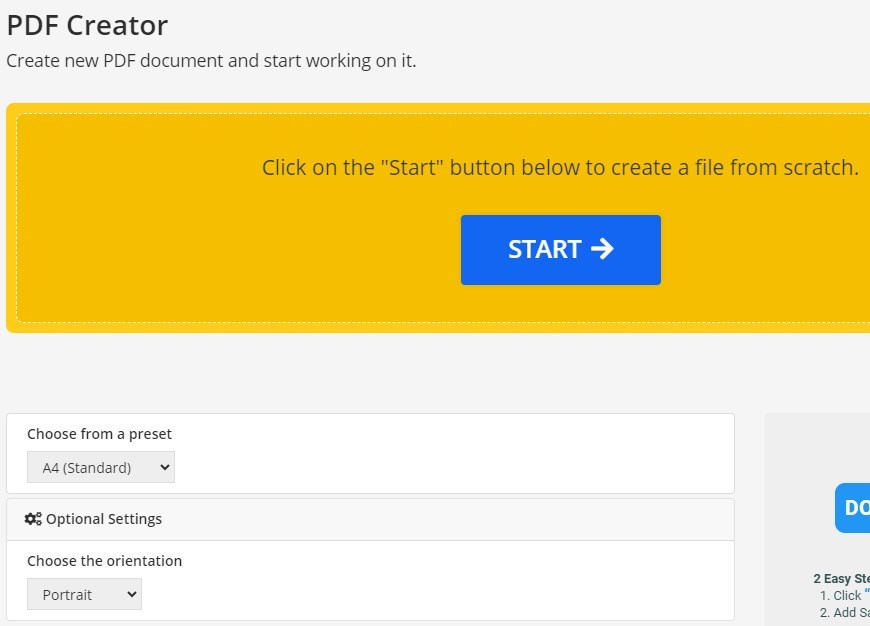
PDF2Go Empty PDF Creator
Nitro Pro: Professional, Efficient PDF Software
Nitro PDF is considered a strong tool for creating empty or blank PDF documents, among other PDF-related tasks. This software allows for efficient handling of multiple documents, saving time for users who need to create or convert a large number of PDFs. This is thanks to features like batch processing.
Beyond just creating empty PDFs, it offers a wide range of document creation and editing tools. Nitro PDF has many features, but it can be expensive, especially for individuals or small businesses with limited budgets. There are other free or cheaper options that might work for basic needs.
Nitro Pro Blank PDF Creator
Drawboard PDF: Innovative, Markup-focused PDF Tool
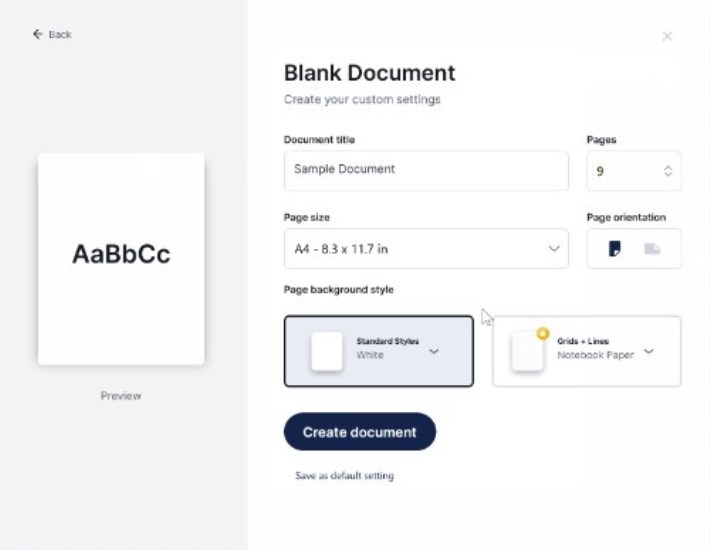
The Drawboard PDF platform makes it easy to create blank PDFs, which are great for tasks like taking notes, drawing, and making diagrams. Just click “Create New” and then “Blank Document”. You’ll need to fill in details like the Document Title, Page Size, Number of Pages, Page Orientation, and Page Background style.
If you’re a Drawboard PRO subscriber, you can also add Grids + Lines to your blank document. This puts lines right into the PDF to help you create content more neatly.
Drawboard PDF Creator
Conclusion
Throughout this article, we’ve explored six online and offline tools that offer various features for generating blank PDFs, catering to a wide range of users.
However, if you’re looking for a solution that is not only efficient but also completely free without any limitations, PDFgear stands out as an excellent choice. Give PDFgear – Free PDF creator a try.
