The 7 Best Free AI PDF Readers

Summary :
In this article, you are going to see the 7 Best Free AI PDF Readers in 2024. As a result, these readers provide advanced functionality, enabling users to work more conveniently with PDF files.
Table of Contents
Best Free AI PDF Readers
Artificial intelligence, or AI, is rapidly transforming our lives and taking over a wide range of tasks. A PDF reader powered by AI can enhance your experience even when working with PDFs.
In this article, you are going to see the 7 best free AI PDF readers in 2024. As a result, these readers provide advanced functionality, enabling users to work more conveniently with PDF files. Check out the following AI PDF tools if that applies to you. Interested in learning more? If yes, then continue reading!
Your Top Pick: PDFgear AI Reader
PDFgear is a 100% FREE AI PDF reader and AI PDF editor that enables you to summarize, read, rewrite, explain, and translate PDFs with the help of an AI copilot.
Download PDFgear on your Mac or Windows PC and start interacting with PDFs now!
Comparing the 7 Best Free AI PDF Readers
The following table compares the seven best AI PDF readers to help you make an informed decision. It allows you to compare the differences between each tool by looking at different factors. The best tool for your needs can be chosen by considering these factors.
| Name | Verdict | Pricing |
| PDFgear | With PDFgear Copilot, you can read, compress, convert, summarize, and ask from PDFs using AI-powered natural language processing (NLP) | Completely Free |
| ChatPDF | With ChatPDF, you can get answers about any PDF you upload using GPT 3.5 from OpenAI. | Plus version is $60 per year for all users. |
| Foxit Reader | Knowledge workers can do more with documents and increase their productivity using Foxit’s AI PDF reader and eSignature products. | PDF Editor Suite Pro: $139/year |
| PDFGPT.IO | Your PDF documents will be delivered in real time with accurate and relevant answers by PDFGPT.IO. | Advanced: $9.99/month
Ultimate: $19.99/month Premium: $49.99/month |
| NaturalReader | Listen to your documents, ebooks, or school materials anywhere with NaturalReader, which converts text, PDF, and 20+ formats into spoken audio. | Personal: $99.50
Professional: $129.50 Ultimate: $199.50 |
| LightPDF | You can convert, OCR, edit, and even communicate with PDFs with AI chatbots with LightPDF’s 24 free online tools. | Billed Annually: $5 per month
Billed Monthly: $19.99 per month. You can cancel the subscription anytime. |
| AlgoDocs | The AlgoDocs solution uses cutting-edge technologies to provide you with a web-based AI data extraction platform. PDF and image files can be extracted for specific fields or tables. | Basic package: $23/Month
Business package: $84/Month Ultimate package: $175/Month |
PDFgear
This new technology, the PDFgear Chatbot integrated with the ChatGPT API, quickly extracts information from large PDF files. PDFs can be used for different things like books, essays, contracts, and research papers. Plus, it’s recognized as the best AI summarizer.
If you have a question, just upload your PDF files and ask with this free AI PDF reader. It gives more precise answers compared to summarizing the whole document quickly. Even though it might sound unbelievable, there are more cool features. And right now, it’s free because the developers want more people to use it.
You can also track your project’s progress and go back to previous messages to ask new questions. Plus, the program doesn’t save any of your info, and there are no restrictions.
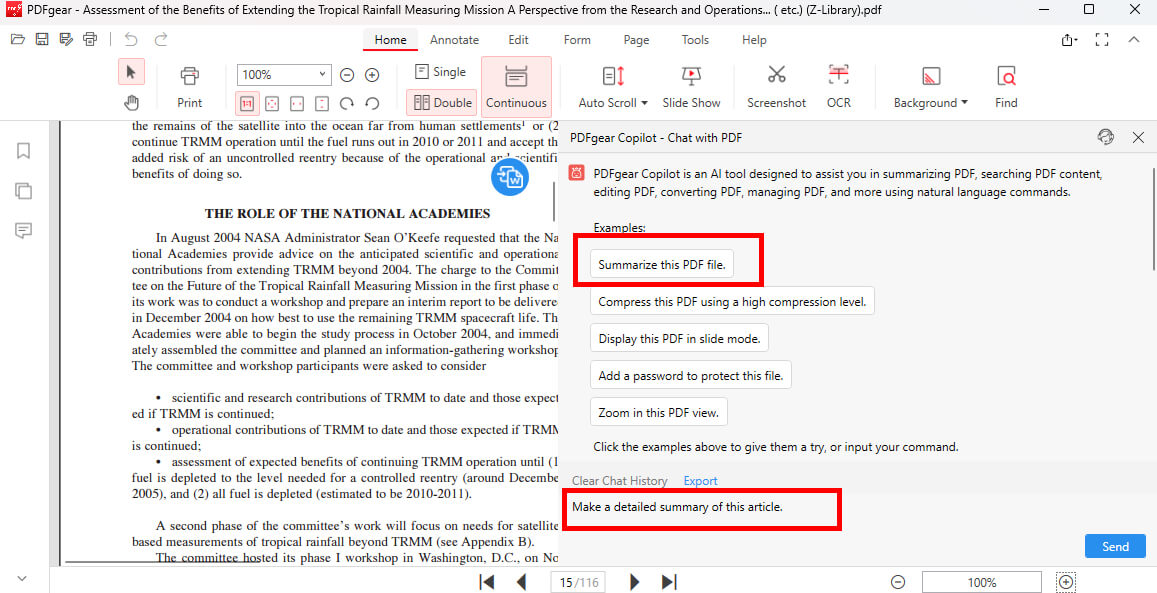
Get the Article Summary from PDFgear Chatbot
The PDFgear Chatbot also keeps a record of your previous chats and questions. Some people might worry about privacy when using AI chat tools, but PDFgear has a detailed privacy policy to protect your chats and everything in them. Now you can use PDFgear Chatbot for free. Start learning about PDFs effortlessly with PDFgear.
Key Features
- An AI summarizer and PDF editor that is completely free to use.
- As soon as the PDF is imported, it is automatically summarized.
- Multiple PDFs can be merged at once using the PDF merger feature.
- PDF documents can be interacted with using prompts.
PROS
- You can ask more questions about PDFgear during the conversation.
- PDFgear Desktop will remain free of charge. Download it and spread the word!
- After the dialog, the program will automatically delete your personal information and private data. Privacy leaks are not a concern.
CONS
- No android version yet.
Go to the PDFgear Website.
ChatPDF
ChatPDF is a helpful tool that uses AI to make reading PDFs easier. It works well for textbooks, presentations, and handouts, making your learning smoother. It’s great for your studies. You need to sign in to save your chats and keep track of your progress. You have full control over your chats, including sharing, renaming, exporting, resetting, and deleting them.
This top AI PDF reader automatically makes short summaries of your documents without you doing anything. The more questions you ask about the PDF, the better your learning experience. You can upload as many PDFs as you want, and each file can be up to 32 MB, which is enough for most people.
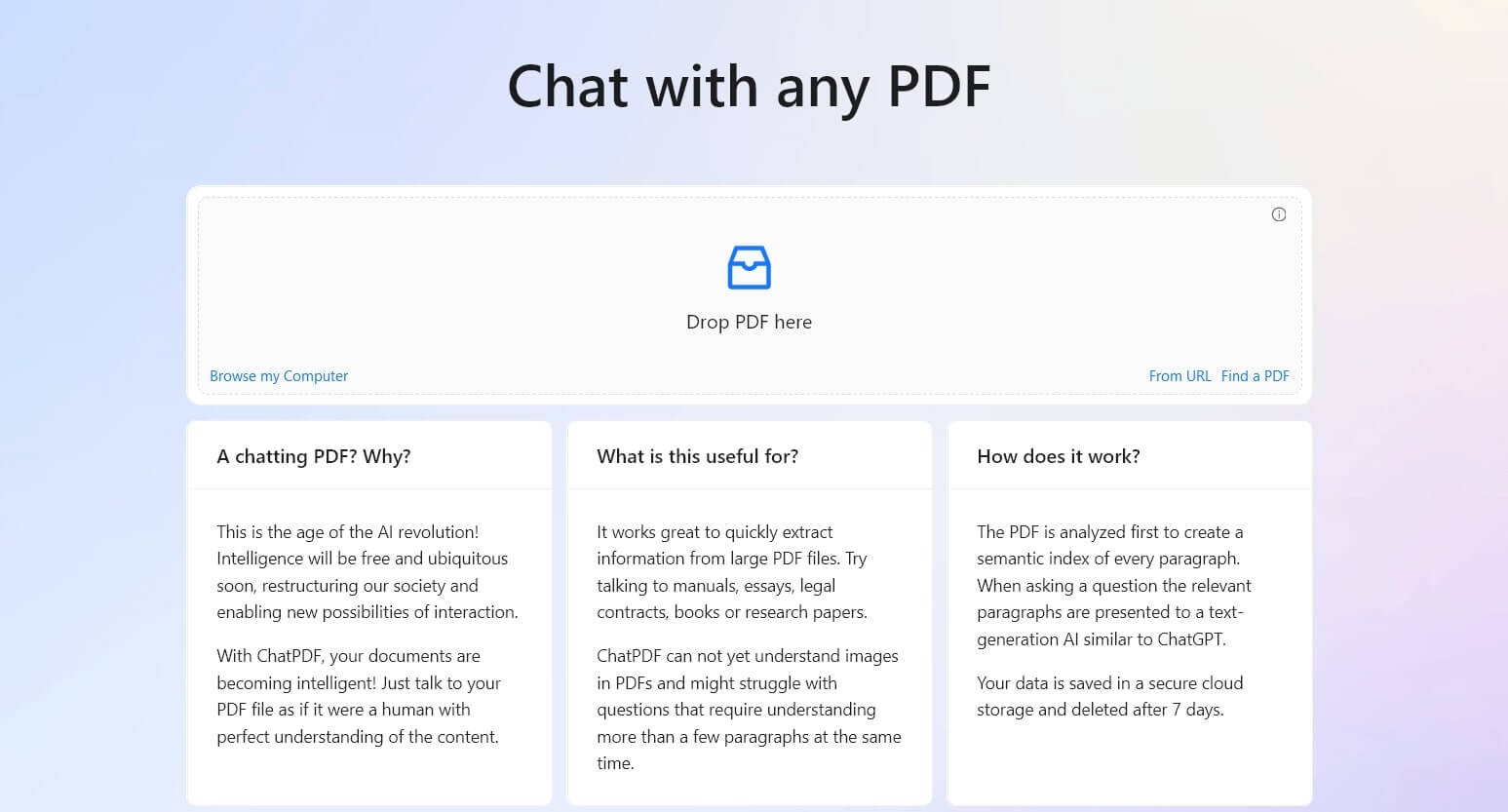
ChatPDF AI PDF Reader
It works in many languages and uses GPT 3.5. It can’t read images in PDFs, but it can understand tables to some extent. You can export your chat history and share documents using a link. Sometimes, ChatPDF might provide extra info beyond what’s in the PDF. Make sure your answers are correct by double-checking.
Key Features
- Names, dates, addresses, and other pertinent information can be extracted from PDF documents using ChatGPT.
- In addition to academic, business, and personal settings, ChatPDF can also be used for projects and presentations.
PROS
- You can upload and convert your pdf files over 25 different languages. It also allows you to translate your documents.
- As well as enabling secure document sharing and discussion, it is also ideal for individuals wishing to protect their files at the same time.
- Businesses can share proposals and contracts through it, while students and educators can collaborate on a research paper.
CONS
- Sometimes, it provides you with excessive information.
Go to the ChatPDF Website.
Foxit Reader
Foxit is a leading offline PDF reader in the industry. This AI PDF Reader offers various features and operates very quickly. You can open, highlight, fill out, and sign PDF documents from anywhere and on any device. It’s easy to read and print PDFs with this program, and you can also fill out forms in PDF and XFA formats.
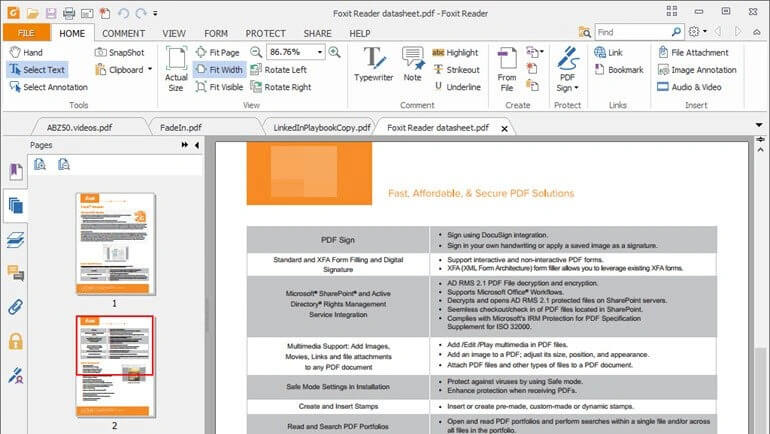
Foxit AI PDF Reader
Additionally, Foxit Phantom introduces AI features like the AI redact tool, educational AI, and AI assistance. With Foxit Reader, you can merge multiple PDF files into one and securely share them over the cloud. It provides encryption, passwords, and digital signatures to safeguard your files. Moreover, it offers a safe reading mode that disables JavaScript embedded in PDFs for added security.
Key Features
- Foxit can quickly summarize any text accurately. It uses advanced AI algorithms, like natural language processing and machine learning, to find important information in the content.
- The Foxit PDF Reader’s chatbot uses natural language processing to answer users’ questions instantly. Its interactive features make it easy for users to communicate and get help quickly.
- Foxit also keeps the original meaning when rephrasing or paraphrasing text. This tool is helpful for optimizing content for search engines and managing content marketing campaigns.
PROS
- The feature to ensure document security for news organizations is important.
- Reports prepared annually/monthly must include enhanced graphics and visuals.
CONS
- As far as OCR technology is concerned, Foxit is lagging.
Go to the Foxit Reader Website.
PDFGPT.IO
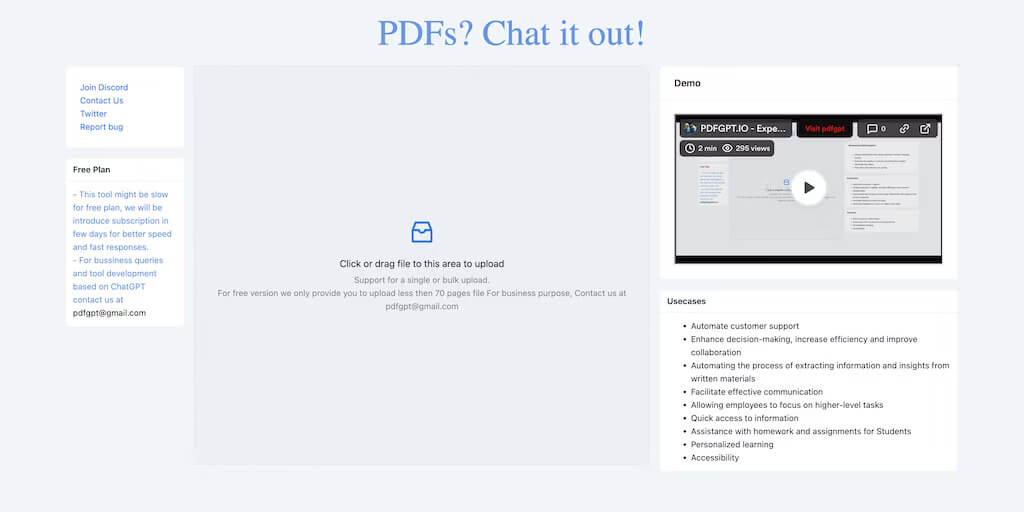
You can use PDFGPT.IO to summarize PDFs and answer questions online easily. Just upload your PDF documents, and you’ll get short summaries and accurate answers. This PDF AI reader uses advanced artificial intelligence to extract important information from different types of documents, like coursework, research papers, and client requirements.
PDFGPT Reader
With PDFGPT.IO, you can read PDFs and ask questions more efficiently. You can also generate questions directly from the tool’s interface. If you upgrade to the premium plan, you’ll get even more benefits. Subscribers to this plan can access up to 7,000 pages a month, which is great for people who read and research a lot.
Key Features
- Efficient summarization: Organize lengthy client instructions, study materials, and research papers into a concise statement
- Versatile use cases: Whether you are a student, researcher, journalist, or business interested in reducing costs and increasing productivity.
- Accurate results: Provides reliable and accurate summaries and answers based on advanced AI algorithms.
- User-friendly interface: Simple uploading and downloading process, easy to use.
- Customizable options: Select which sections or pages should be summarized, as well as how much detail should be included.
PROS
- Moreover, larger and more complicated PDFs can be uploaded with file sizes of up to 50 MB.
- Get your work done more efficiently and save time when reading.
- A wide range of users will find PDFGPT.IO to be a valuable tool due to its ability to provide accurate and efficient summarization.
- Easy-to-use interface with a simple and intuitive design.
- It provides you with highly accurate and fast answers.
CONS
- To access the program, you will need a paid API Key.
Go to the PDFGPT.IO Website.
NaturalReader
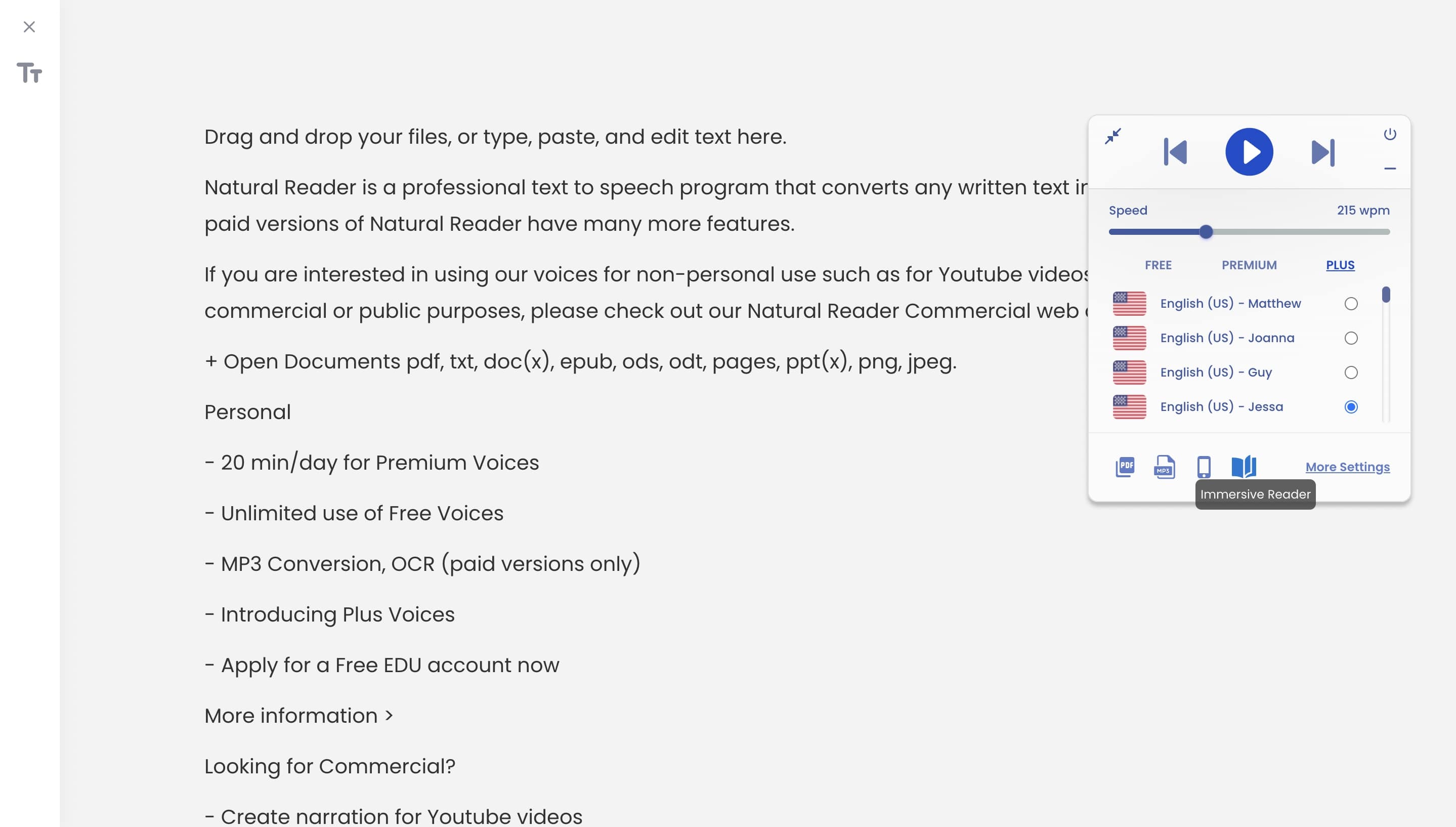
NaturalReader is a smart tool that turns text into spoken words using artificial intelligence. You can listen to books, documents, and school stuff anytime, anywhere, on various devices like computers, phones, and tablets. All the features of NaturalReader can be accessed from one account.
It’s easy for anyone to use NaturalReader because it has a simple interface. You can also customize the voice output, which is a great feature. You can pause, emphasize, and adjust the speed, volume, or pitch of the speech to make it easier to understand and more engaging.
NaturalReader AI PDF Viewer
NaturalReader has many cool features powered by AI. It makes listening to PDFs simple, allowing you to control playback, adjust speed, and change volume.
Key Features
- Listen to your documents, ebooks, or school materials anywhere with NaturalReader, which converts text, PDF, and 20+ formats into spoken audio.
- The app easily converts PDFs and images into MP3s and allows you to listen straight away.
- Your reading will be smoother, more efficient, and more enjoyable with AI Smart Filter.
PROS
- You can save a lot of time and energy using it.
- You can use it for 20 minutes a day for free.
- Modes for Windows, Mac, and Online.
CONS
- NaturalReader Commercial is not free, which is its biggest drawback.
Go to the NaturalReader Website.
LightPDF
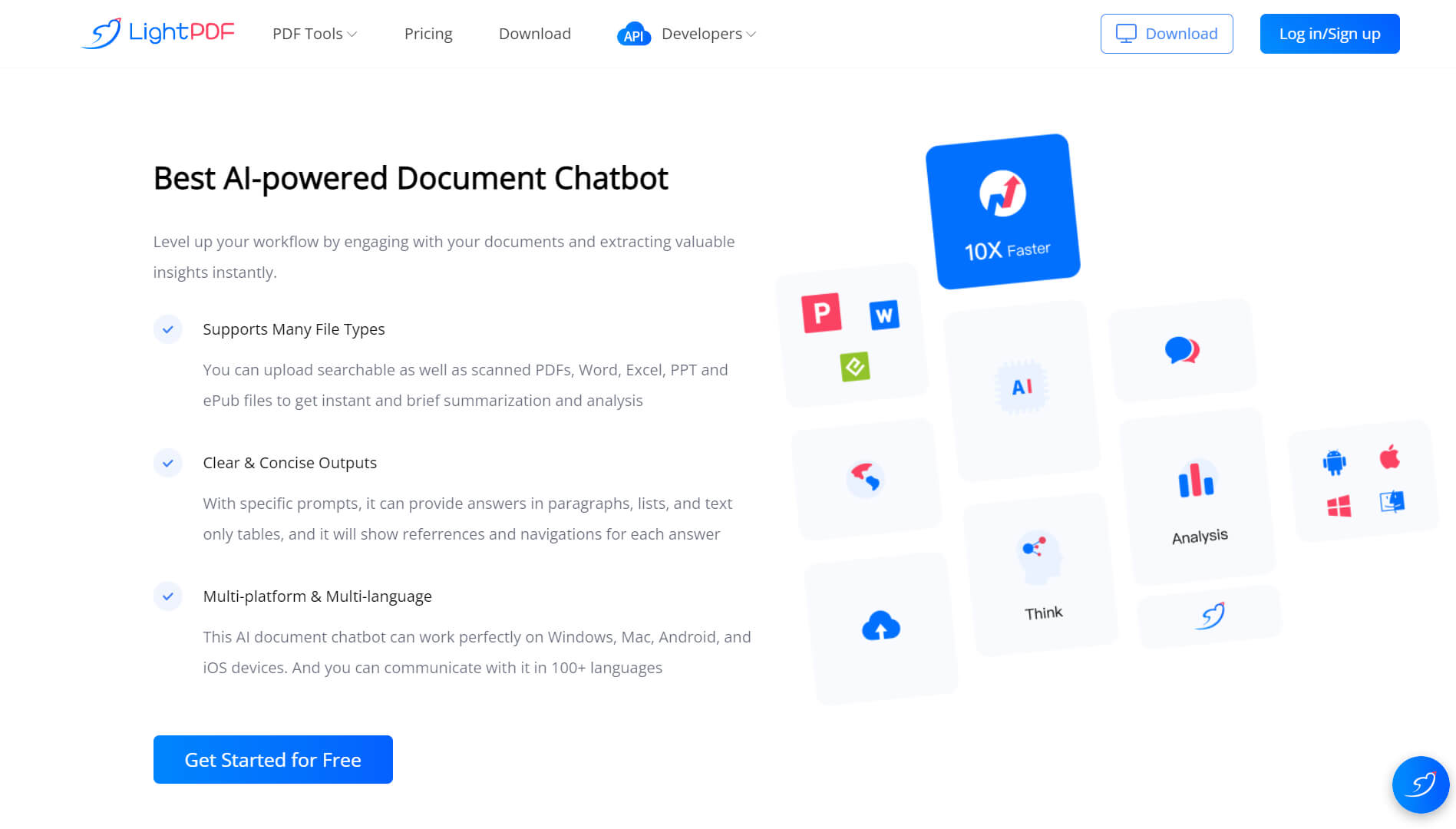
LightPDF offers many tools to convert, protect, and edit PDFs. There are also AI chatbots being developed to read PDF files. You can use the tool to generate summaries, outlines, and tables, and get quick answers. A helpful feature is that you can easily check where the information came from by seeing the page number of the file.
LightPDF Tool
One of LightPDF’s best features is its cloud and collaboration tools. You can share uploaded PDFs and access them later from the cloud. These files can be accessed from anywhere and worked on by remote teammates in real-time. The LightPDF app works on mobile devices and desktops, as well as in the browser.
Key Features
- Edit and read PDF files
- PDF files can be watermarked
- Split a PDF file
- Multi-file PDF combining
- Sign a PDF
- PDF files can be compressed
- PDF annotations
- Encrypt PDFs
PROS
- This tool is quite easy to use for everyone and gives you the best-optimizing results.
- A wide range of tools are offered by this tool, including the ability to convert and integrate images into PDF files.
CONS
- You will face some limitations when you are working online.
Go to the LightPDF Website.
AlgoDocs
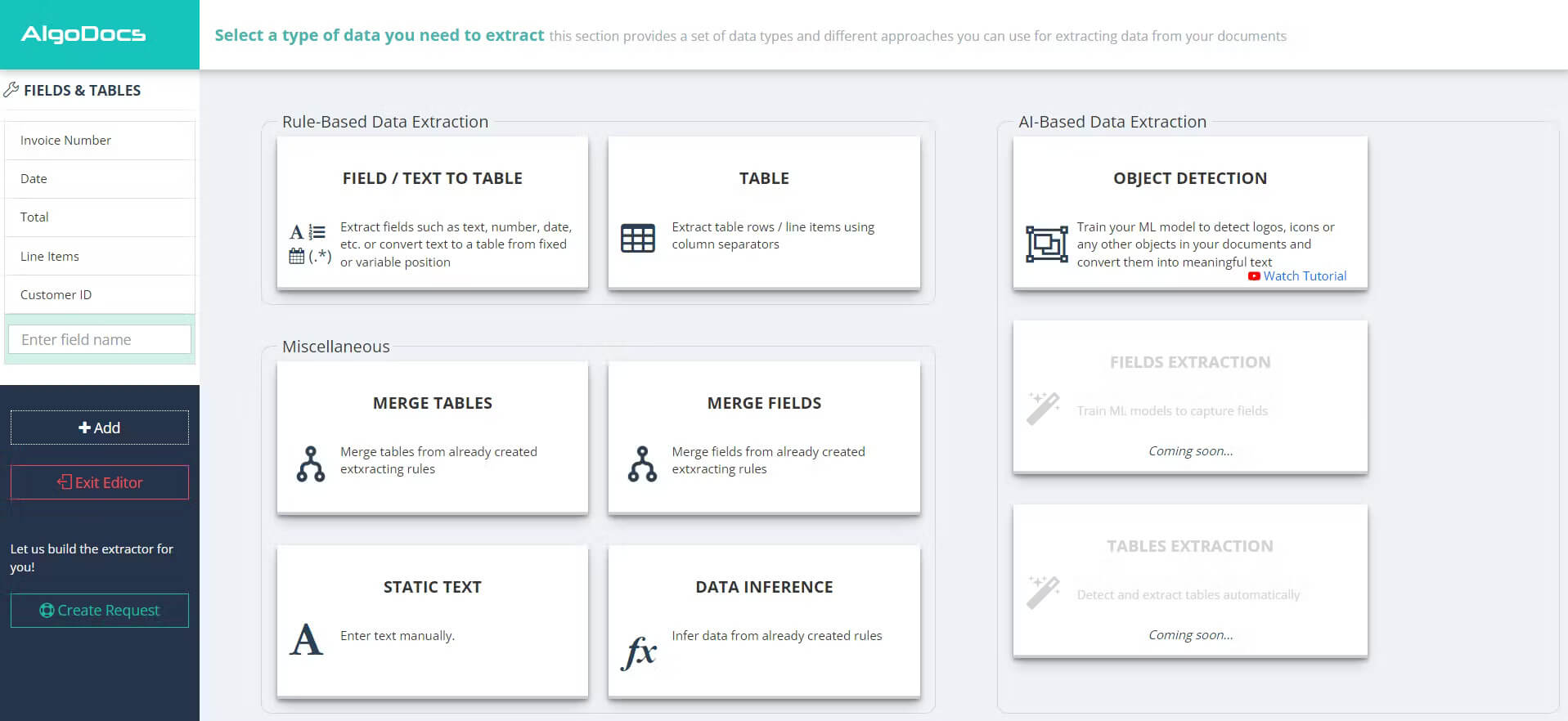
AlgoDocs AI Platform for Data Extraction makes it simple to extract data from PDF. You can pull information from PDFs and images for specific fields or tables. Additionally, you can export your data to Excel or connect it with accounting software.
AlgoDocs uses Artificial Intelligence for its data extraction. It employs Optical Character Recognition (OCR) and Image Processing (IPR) technologies in its advanced algorithms. With OCR, AlgoDocs accurately extracts data. It also uses Artificial Intelligence and Self-Learning Algorithms to extract text from PDF documents.
AlgoDocs PDF Reader
Key Features
- Payroll information and other HR forms and applications can be extracted and prepared in AlgoDocs.
- With AlgoDocs’ built-in OCR engine and parser, you can reliably extract product lists and tables from PDF or scanned documents.
- Statistical results in the form of charts and tables are reliably extracted by AlgoDocs.
PROS
- A slick customer experience, great customer service, ease of use, and time-saving.
CONS
- I didn’t dislike anything about AlgoDocs.
Go to the AlgoDocs Website
FAQs
What are the best AI PDF readers?
There are a few AI PDF readers that are worth checking out:
- PDFgear
- ChatPDF
- PDFGPT.IO
- Foxit Reader
- Natural Reader
Is there an AI that reads PDFs and answers?
You can use NaturalReader to turn your PDF files, text, and other stuff into spoken words using the AI in it. Users will find it easy to listen to their PDFs using this tool.
Another benefit is that the speed of the audio can be adjusted to suit the user’s preference, allowing users to fine-tune their experience.
Which AI chatbot can read PDF files?
By using information from the internet, the ChatGPT and GPT-powered PDFgear Chatbot can answer your questions quickly. ChatGPT is the AI that can read PDF files and discuss the contents in real time. This capability surprises most people.
Final Verdict
In summary, we found that the 7 Best AI PDF readers offer unique AI features and are compatible with a wide range of platforms. To decide which PDF tool to use easier, we have compiled a comprehensive list.
Our recommendation for using PDFgear is that it offers many useful features to make reading PDFs more enjoyable.
